
Table of Contents
- What is Blogging?
- Why do you need Blogging Tools?
- The 58 Best Blogging Tools For Beginners 2026
- Tools For Blogging Ideas
- Best Domain Checker Tools
- Tools For Writing and Proofreading
- Tools For Keywords Research
- Tools For On-Page Seo
- Tools For Off-page
- Tools For Technical Seo
- Tools For Email Marketing
- Best Page Builder Tools
- Tools For Sales Funnel Builder
- Best Theme
- Tools For Social Sharing
- Best Caches Plugins
- Best Tools For VPN
- Best Tools For Free Image & Image Compression
- Best Web Hosting Providers
- Conclusion- Best Blogging Tools



58 Best Blogging Tools For Beginners in 2026

Are you looking for tools that help you make your blog even more, better, attractive, and highly approachable to the audience?
What’s better than free blogging resources to make it more efficient to read and look at?
We came across certain blogging tools that left us in awe. And here we’re to pass the knowledge and introduce you to 58 best blogging tools for beginners as well as professionals.
How GoogieHost reviews these providers: our editorial team has published independent in-depth reviews for 2 of the providers listed below — including Astra and ExpressVPN. For each provider we record pricing, page-load latency, storage allocation, money-back guarantee window, and free-trial duration, and refresh entries when plan structure, pricing, or performance changes.
This ultimate guide will make you understand a lot more about blogging and how exactly it should be done. So, what are you waiting for? Start giving this article a read!
What is Blogging?
When you post content that can be something you wrote or photographed by yourself, it’s known as blogging. For better understanding, we can call blogging the portraying of thoughts, hobbies, interests, and other exciting agendas through unique and engaging content for people to read.
The people who do blogging and called bloggers. And to publish original content on the web, build your website to post your content over it and make it rank on the web to get the audience’s support and make it a way of earning for yourself.

Blogging came into the picture a few years ago and is entering the minds of millions of people worldwide. It has become one of the best ways to use your skill to earn a living!
Why do you need Blogging Tools?
To post something and make it creative, you need certain tools to write on, add pictures, post your content, etc. You need specific blogging tools to fulfill all these criteria and make blogging even more interesting and appealing.
But which ones are the best according to your blog content and which aren’t? Are they free or not? What makes each tool unique and something we can trust and use seamlessly?
There must be a lot of questions like these in your mind. But this ultimate guide to blogging tools won’t only clear all of them but also instil a lot more knowledge in the readers’ minds.
And to brief you about these tools in detail, Jump to the Topic you loved the most love. we have curated these 58 Best Blogging Tools descriptions and ideas to use for beginners.
🔶 Tools For Blogging Ideas
🔶 Best Domain Checker Tools
🔶 Tools For Writing and Proofreading
🔶 Tools For Keywords Research
🔶 Tools For On-Page Seo
🔶 Tools For Off-page
🔶 Tools For Technical Seo
🔶 Tools For Email Marketing
🔶 Best Page Builder Tools
🔶 Tools For Sales Funnel Builder
🔶 Best Theme
🔶 Tools For Social Sharing
🔶 Best Caches Plugins
🔶 Best Tools For VPN
🔶 Best Tools For Free Image & Image Compression
🔶 Best Web Hosting Providers
The 58 Best Blogging Tools For Beginners 2026
Isn’t the level of excitement in you increased? Because of talking about myself, I had so much fun knowing about these tools, which astonished me at how useful they actually can be!
Without further ado, let’s look into these amazing blogging tools and how they will help your blog in different ways.
Tools For Blogging Ideas
What to do when you exhaust your thinking capacity? And what if you want something to make your blog even more enjoyable?
Okay! Enough of the questions now. It’s time for us to introduce you to some platforms which can help you with picking out some stunning blogging ideas and methods to portray them uniquely in front of the world:
1. Quora
Quora is a social and searching platform where it allows people to build a community and answer.
As well as ask questions related to their field of knowledge or something that they know about or want to know about too!
You can increase your keyword research from this platform.
Features
Here are some remarkable Quora features-
- Zen mode.
- You can anonymously ask questions and give answers to them anonymously.
- Upvoting and Downvoting the answers.
- Answers can be published as blog posts.
- A2A (Ask to Answer) option.
2. Google Trends
A search trend is where you find out the frequency of the most used terms or phrases. The ones which are most searched by the audience and can be used as keywords for their articles and blogs.
Google Trends delivers the frequency between the word searched and the related keywords, which are often searched and in the latest trend when entered into Google’s search engine.

Google Trends is used:
- To compare keyword research
- Finds spikes in keyword search volume caused by events.
- Imparts keyword-related data
Features
Here are some reasons which make Google Trends the most suitable choice to follow and lookup for the latest and ongoing trends-
- Market research.
- Product research.
- Keyword research for SEO.
- Trend variations according to the location.
- Discover seasonality.
- Determine the stableness of the term that’s searched.
- Upgrade online and marketing advertising.
- Discover relatable niches.
3. Answerthepublic
This website analyses the data or keywords you enter and brings out the result with other keywords, phrases, or questions people use during that period of time.
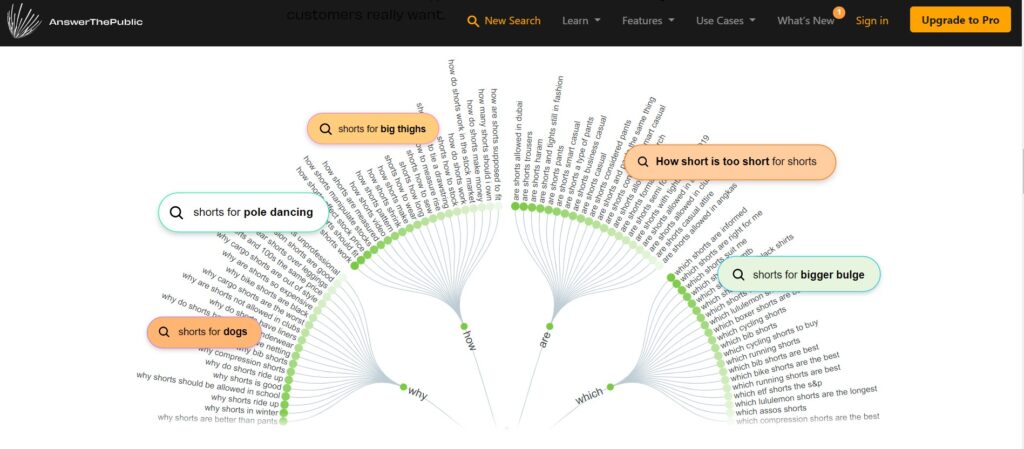
Something that will help you deliver quality content, products and services that capture traffic and start ranking at the topmost positions on Google.
Feature
Let’s look into some reasons which make Answerthepublic customers choice-
- Unlimited but fair usage of daily searches
- New suggestion alerts2
- Time-to-time comparison of data
- The organization of results in files
- You can download the resulting list in excel format.
4. Google News
Google News is the autogenerated news portal that googles layouts after deriving them from all the regions around the globe. It displays stories and news in accordance with the taste of the customer and their interests.
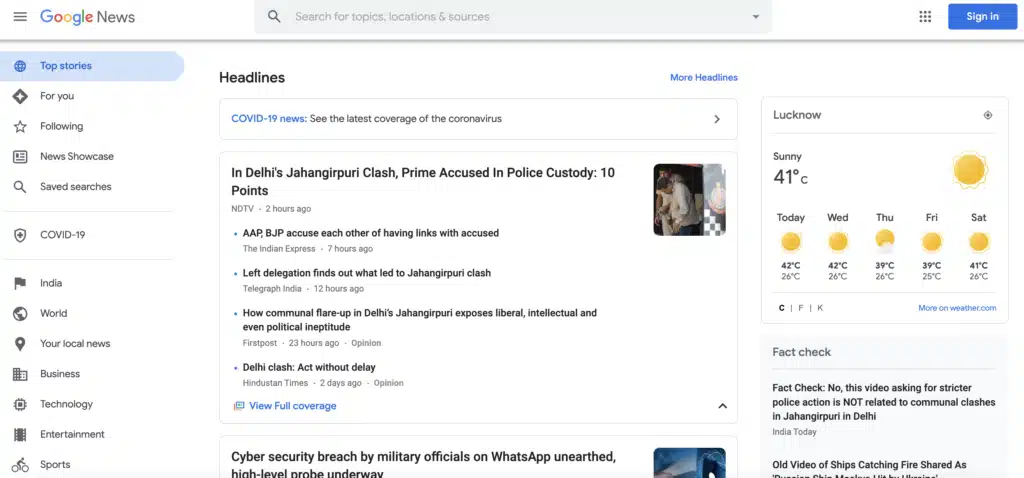
Google News helps reach out to potential audiences and attracts news readers towards your website. One can discover ongoing or current events, global news, and various types of content from many publishers.
Feature
How is Google news helpful?
- Learn what is happening throughout the world.
- Witness an organized sector of top stories, videos, images, articles, etc.
- The Top Stories feature displays relevant user interest and top-quality news results.
- You can search from the given search box for more news articles.
- People from all countries will be delivered the same default news.
Best Domain Checker Tools
When you’re looking for a domain name while giving a start to your own website, you can check the availability of various domain names through some tools.
Here are some Best domain checker tools that we have discussed below:
5. Namecheap
Namecheap is a domain registration and management service that helps you find a unique domain name and get it registered under your name.
They also provide excellent web hosting services with 100% uptime and other remarkable features. From registering a domain name to getting your website live, Namecheap can be your one-stop solution!
Namecheap

Pros
- Free WHOIS domain privacy protection included
- Domains available up to 83% off regular pricing
- 24/7 customer support via live chat
- Free DNSSEC security for websites
- Easy domain transfer facilities
Cons
- Hosting plans aren't as competitive
- Renewal prices can be higher than initial purchase
- Limited advanced DNS features on basic plans
Summary
We’ve used Namecheap for years and it’s my go-to for domain registration. Affordable pricing, free WHOIS privacy, and solid DNS management make it a no-brainer.
Price: USD 5.98 /year
Book Your Domain up to 83% offFeatures
Let’s lay an eye on some features of Namecheap, as they claim their services to be “all about you”:
- Keeps the internet open and safe for everyone with the best privacy and security services
- Free email trial
- Free domain privacy protection
- Free DNSSEC security for your website
- Boosts your business
- 24*7 customer support
- Domain Transfer facilities
- Over 50 active domain registration
6. Dynadot
Dynadot offers services that help consumers register domains (Dynadot searches for the best available domain according to your choice, you can also counter-offer the domain owner you want) and websites on the internet.

Dynadot

Pros
- Free domain parking and DNS included
- No-cost stealth forwarding
- Domain auction and backorder marketplace
- Free one-page web hosting
- Unlimited email forwarding
Cons
- Interface isn't as polished as competitors
- Fewer TLD options compared to Namecheap
- Limited hosting features beyond one-page sites
Summary
Dynadot is a solid domain registrar with unique features like domain auctions and backorders. I like their free DNS and one-page web hosting.
Price: USD 9.99 /year
Get.com domain at $9.99They conduct auctions on domain names, market listings, and domain backorders.
Features
Let’s look into the features of Dynadot:
- Free domain parking
- No-cost stealth forwarding
- Unlimited forwarding
- Free DNS
- Totally free one-page web hosting
- Top-most customer service
Tools For Writing and Proofreading
There’s always a little bit of scope towards perfection in everything, even after you work day and night for it. But to erase some unknown or unnoticeable mistakes that occur while you write, some applications will help you out with them:
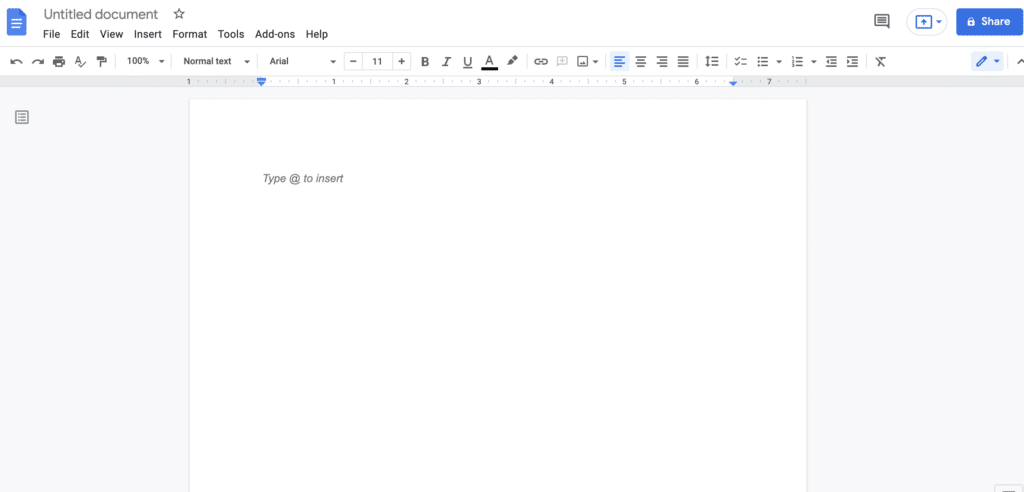
7. Google Docs
Google docs is a web-based application by Google in which you can create online word documents, layout spreadsheets and even make slideshows.
The files directly get saved to your google drive, so you don’t need your device everywhere to access the files because you can access them through any device.
The application helps correct minor and major mistakes that you make while typing. It will mend minor mistakes; otherwise, notify you about the other major ones so that your documents come out without any silly errors.
Features
Google docs is a go-to word document app for thousands of people today. Let’s see what makes them the best:
- Distraction-Free Writing with a Full-Screen View
- Grammar checks and various add-ons
- Table of Contents is available as a document organization tool.
- Voice Typing available
- Bookmarks and easy-to-use options for Document Navigation.
- For writing anywhere, there’s an offline mode.
- Availability of page numbering to make formatting easy
8. Evernote
You can maintain a daily to-do list, work list, school or college and assignment notes, or other kinds of content that you want to note down for later use.
Evernote is an application that gets synced on all your devices, which delivers easy access to all your important notes.
You no longer need to carry paper and pencil to write down notes and take care of them later because you have Evernote beside you!

Features
Let’s look at Evernote’s exceptional features:
- Create Tasks and get informed about them
- Easy-to-do task list accessibility
- Calendar Integration, create new notes directly from events
- Mobile offline notes
- Available on various and almost all devices
- 10GB monthly uploads
- High-Resolution Larger notes
- Business card scanning
- PDF annotation
- Constant customer support
- Note history (Past versions available)
9. Grammarly
Your headache to monitor minor spelling and grammar mistakes as well as sentence forming while writing something should vanish now!
Grammarly is a beast-featured application that mends all fallouts in your content and makes it the next perfect content to deliver.
All you need to do is install it on your device and leave all grammatical and plagiarism worries.
It has become soo easy to fast type emails and other types of content in urgency and check if the article is plagiarised or not if you have Grammarly in your pocket!

Features
- Checks grammatical errors
- Suggestions for vocabulary enhancement
- Detects and notifies plagiarism
- Suggests citation
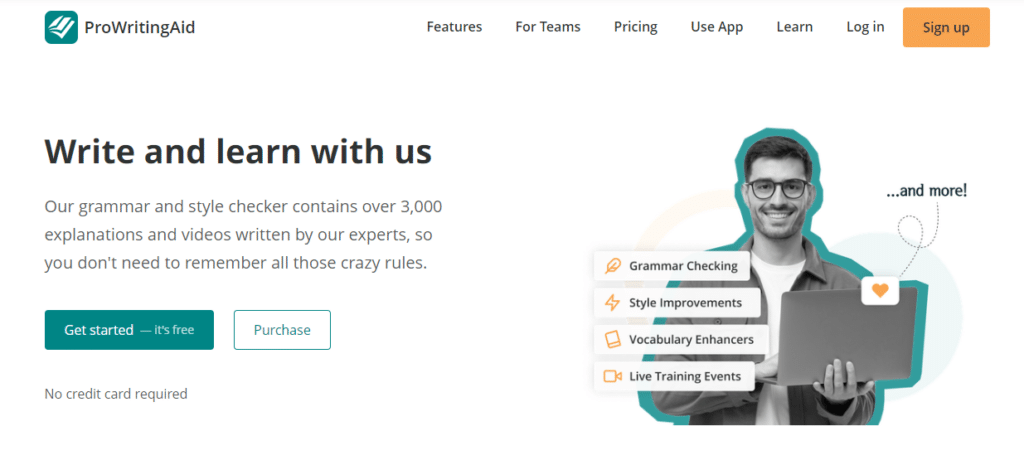
10. ProWritingAid
A platform that corrects and combines top-notch grammar also checks the style with more detailed reports to help in improving the writing.
This application helps you better understand your mistakes and make the best of your writing, delivering error-free content.
Features
- Finer writing in less time!
- Enhances the strength and style of your writing
- Suggests even minor mistakes for an error-free content delivery
- Eliminate silly errors
- Find the best alternative words which suit the best to your sentence
- Customization as per needs, available
- Offers In-depth understanding
11. Hemingway App
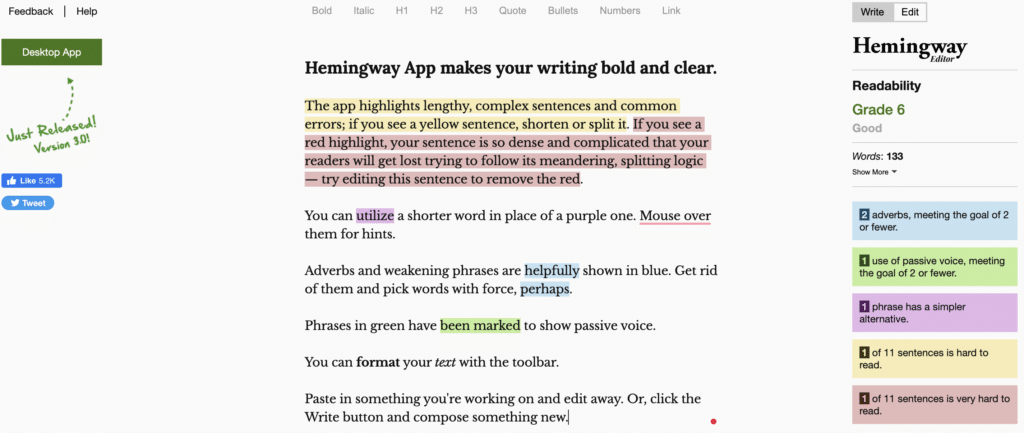
Hemingway app helps in arranging the sentence and framing it in such a way that it remains error-free, neglecting confusion in sentence construction, overburdening of content with weak adverbs, usage of passive voice in access, and things like these.
It highlights the sentences in yellow or red in colour, indicating common errors and complex sentences, respectively.
Features
Hemingway App provides you with the best available features-
- Easy-to-use interface
- Easy suggestions through colour-coding highlights
- Desktop and Online editions
- Easily handles lengthy documents
- No need to install or log in for an online version
Tools For Keywords Research
To get your article or blog to rank higher on the web, you need some SEO tools so that a large number of traffic lands on your website. And to fill your articles with keywords that are the most searched by the audience, you need to know those words first.
And to know those keywords, you just have to enter the related word, and these applications will impart you with various associated keywords that can be used by you while editing your content:
12. Semrush
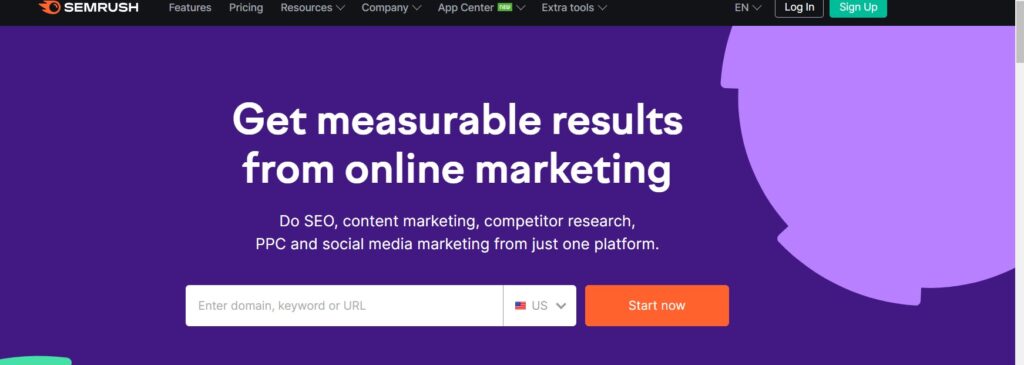
Semrush is a tool that works to provide market insights and online ranking plus visibility to your content.
Semrush

Pros
- Comprehensive keyword research with search volume data
- Powerful competitor analysis and domain comparison
- Built-in rank tracking and position monitoring
- Link building tools and backlink analysis
- Content marketing and social media management
- 30-day free trial available
Cons
- Expensive for individual bloggers at $119.95/month
- Learning curve for beginners
- Some features only on higher-tier plans
Summary
Semrush is the Swiss Army knife of SEO tools. I rely on it for keyword research, competitor analysis, and rank tracking. The 30-day free trial is genuinely useful.
Price: USD 129.95 /month
Get 30 Days Free Trial Of SemrushIt helps to enhance and work with SEO, Keyword research, Competitive Research, Content marketing, PR, Marketing Insights, etc.
It’s a one-stop solution to all your SEO-related problems.
Features
Semrush helps you in various ways. Here are some features Semrush provides:
- On-page SEO
- Competitor Analysis
- Keyword Research
- Social Media Management
- Rank Tracing
- Link Building
- Website Monetization
- Local SEO
13. Buzzsumo
A cloud-based platform, Buzzsumo helps its users outreach, bringing high traffic and engagement to your content.
Working towards the social reach of your content, this tool helps you in keyword research and showcases stories in trends and other features.
All of this combined imparts success to your content, monitoring all essential needs of your brand! What more you can ask from an SEO tool?

Features
What else is there in Buzzsumo’s box?
- Setting up real-time monitoring.
- Search Twitter Influencers
- Look up what’s in-trend
- Content Analysis
- The most shared content is visible
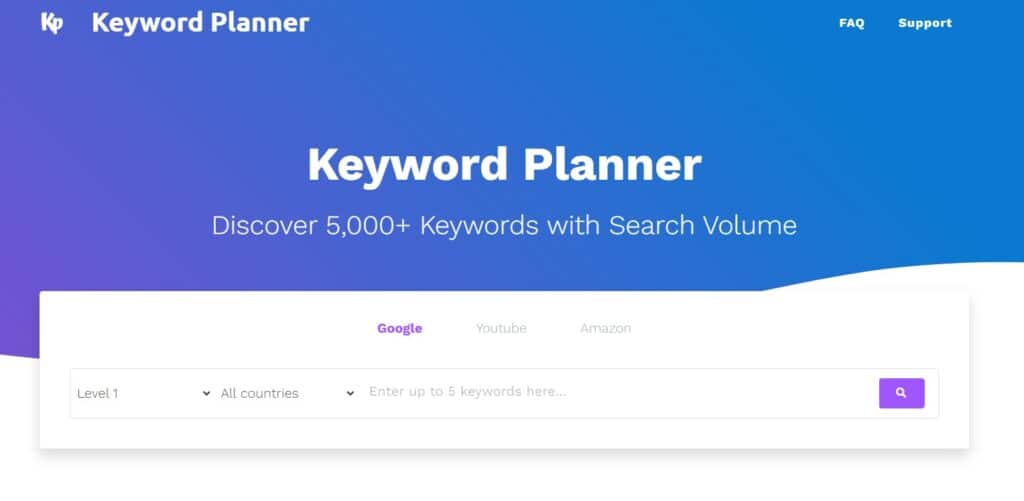
14. Keyword Planner
Keyword Planner is a tool that can help you find keywords for your search marketing.
It’s a free tool that helps in finding related keywords for your brand/business for its success in the online market.
Google Keyword Planner also provides view estimates of the number of searches as well as the cost of targeting them online.
Features
Let’s see what Keyword Planner offers to its customers:
- Search for new keywords
- Multiple keyword lists
- Search volume and trends
- Forecasts of click and cost performance
- Various keyword filters
15. Keyword Surfer
Keyword Surfer is an entirely free extension that imparts the power of searching volumes in Google search results.
Keyword Surfer is the quickest form of revelation of searched data to run keyword research and learn the guidelines of content writing through Google searches.
It not only searches keywords but also researches content for your related word.

Features
We have listed some remarkable features of Keyword Surfer:
- Finding new ideas for keywords
- Monthly searches revelation
- Content guidelines availability
- Datasets from up to 70 countries
- Uncovering data from top-ranking pages
Tools For On-Page Seo
It isn’t only the content that makes a part of SEO and can rank your website high. There are a lot more other things that are a part of it, one being on-page SEO. Let’s know which tools will be of help and how to make the best out of your On-page SEO.
16. Yoast
A WordPress plugin, Yoast SEO, helps make your website rank higher in the search engines Bing, Google, Yahoo, etc.
It imparts powerful SEO and top readability options to your website, making it top of the charts.

Features
Here are some features that Yoast SEO offers:
- To deliver better content, Yoast structures content’s paragraph
- Keyword Density
- Reading Ease
- Meta Descriptions
- Overall keyword usage as well as in sub-headings
- Cleanups of Permalink
- Link Support
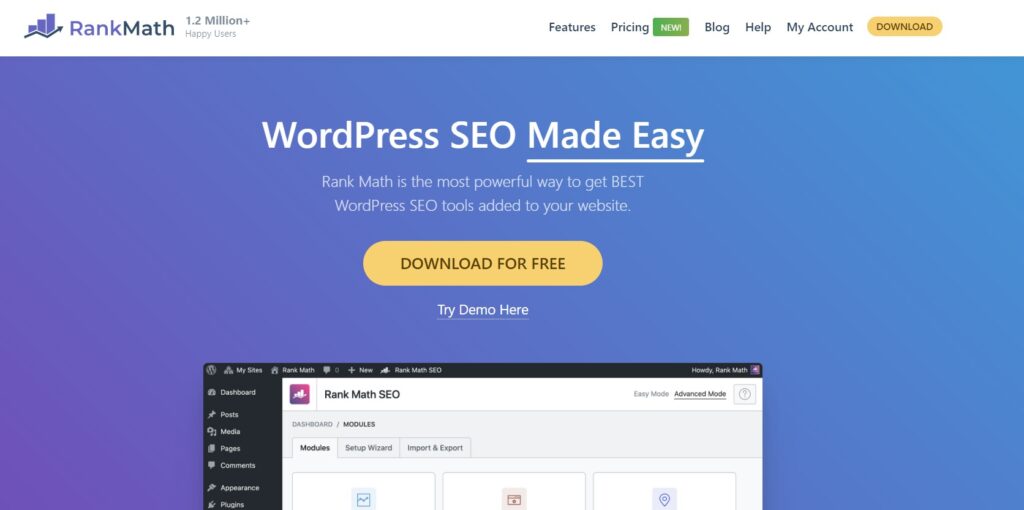
17. Rankmath
With built-in suggestions according to the potential audience: their searches and best practices. Rank Math is a renowned Search Engine Optimization plugin designed for WordPress.
What makes it the best? The methods and ideologies they apply to make your website rank higher in search engines and receive heavy traffic will make your business flourish.
Rank Math

Pros
- Easy-to-follow setup wizard for beginners
- Content AI for smarter optimization suggestions
- Clean and simple user interface
- Advanced SEO analytics module built in
- Tracks Google index status and rank position
- Free version is extremely feature-rich
Cons
- Some advanced features require Pro subscription
- Can conflict with other SEO plugins
- Content AI credits are limited on free plan
Summary
Rank Math has become my preferred WordPress SEO plugin. The free version alone offers more features than most premium plugins, and the setup wizard makes configuration dead simple.
Features
Below is a list of the best features offered by Rankmath:
- Easy to follow Setup Wizard.
- Content Artificial Intelligence
- Clean & Simple User Interface.
- Advanced SEO Analytics Module.
- Status of Google Index
- Tracks Rank.
- Keeps an Eye on the Position History of your website.
18. SEOCrawler
SEO crawler is a tool that determines your value in search engines. They crawl into your work and make SEO generation easy and quick.
It helps you lay your hands on all SEO-related terms and guidelines.

Features
We’ve listed some extra features that SEOCrawler offers:
- Structured data validation.
- Plagiarised content detection
- To manage crawls, there’s a full command-line
- Crawling of JavaScript
- Build-in of website structures
- Reporting canonical chains
Tools For Off-page
Just like a movie needs on-stage actors, it needs an off-stage crew team to manage all other things too. Similarly, as the on-page SEO, you’ll also need off-page SEO (backlinks and all) to make your site rank high.
Let’s learn about some tools which help in Off-page SEO for your website.
19. Majestic
To learn who all are linking to your website, Majestic is a tool that can help you out in it, without a doubt.
The link data is one of the most essential search engine ranking components.
Once you learn to understand your own link profile, as well as the competitor’s site, you can empower your Search Engine positioning.
And to assure this, Majestic constantly revisits web pages and looks around billions of URLs per day.

Features
Majestic ensures flow in your content delivery with proper off-page SEO. Let’s look at what they offer:
- Trust Flow
- Citation Flow
- Visibility Flow
- Topical Trust Flow
- Flow Metric Scores
- Several domain comparisons and backlink tools
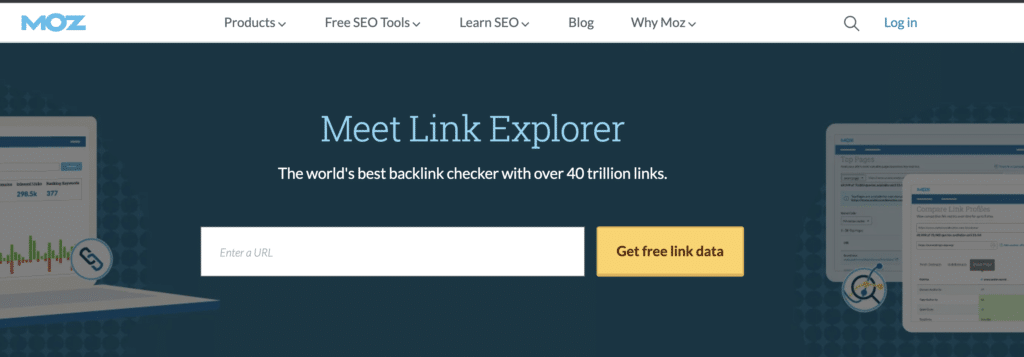
20. Moz’s Link Explorer
Moz Link Explorer is a fantastic tool to assess the top pages of a website.
When it comes to inbound links, the quality and quantity of linking domains, the website’s backlink profile, the various types of anchor texts which are used to link to the website, and similar links between your and your competitor’s websites.
Once you start using it, you’ll realize that Moz’s Link Explorer is a great SEO tool.
Features
Moz’s Link Explorer offers the best SEO enhancement features:
- Easy-to-use interface
- Identifies long as well as short-tail keywords
- Warns when too many links are being associated with a specific keyword anchor text
- Lists linking pages and domains
- Estimates site and page authority
21. Linkclump
Linkclump enables you to drag a selection box around links utilizing your mouse to rapidly open new tabs, open in a new window, copy to a clipboard or save as bookmarks.
It not only helps in one but also in various aspects while you work on SEO.
Features
Linkclump’s amazing features:
- Arrange various activities
- Initiation to drag selection box and other variants
- Shrewd Select
- Auto-Scroll
- Channel Links
- The delay between the opening and closing of tabs can be set
- All Operating systems Tested
22. Check My Links
Check My Links looks for all the broken links on your website after analyzing and checking them throughout. Isn’t it easy to deploy an app to your website that can check all the links on a web page and identify the broken and valid ones?
After identification, you can copy all broken links to your clipboard instantly.
Features
Less but some unique features that Check My Links offers:
- Checks all the links on the web page
- Highlights broken links for further investigation and solution.
- Imparts a simple way to copy bad and broken links of the page to a clipboard.
Tools For Technical Seo
To improve the organic rankings on your site, making it popular amongst all, Technical SEO tools help you capture them and work towards perfection, gaining all SEO technicalities.
We’ll introduce you to some Technical SEO tools now:
23. Google Developers PageSpeed Insight
Google PageSpeed Insight gives results on the speed of your website, how fast is its response, its performance, and the factors where it’s lacking.
You need to drop your webpage URL on their PageSpeed Insight web page and wait for the results. The results will be shown in accordance with mobile as well as desktop. So, to ensure the best working of your website, you need to check it once in a while and mend all the things that are lacking.
And with PageSpeed Insights, there’s no need for you to find the lacking things. All you need to do is mend them once this tool finds them for you!
Features
Here are some stunning features of PageSight Insight:
- Assessing the quality of experiences
- Core Web Vitals
- Distribution and selection of metric values
- Displays Performance score
- Conduct Audits
24. ScreamingFrog
Being a website crawler, ScreamingFrog helps improve on-page SEO by auditing and identifying common SEO errors. The SEO Frog crawls small as well as large websites with the efficiency to analyze and deliver the results in no time.
Features
We found these features to be amazing, what about you?
- Finds Broken Links
- Audit Redirect and Scheduling
- Analyze Page Titles and Meta Data
- Discovers Duplicate Content
- Extracts Data with XPath
- Review Directives and Robots
- Integrated with GA, GSC & PSI
- Crawls into JavaScript Websites
- Visualises Site Architecture
- Compares Crawls & Staging
25. SEO Browser
SEO browser known as BROWSEO is a web app that helps you surf any webpage without disturbances and distractions that styles can cause. SEO Browser highlights the areas of a page that are suitable and relevant to SEO. All you have to do is enter the website URL and get accurate results!
Features
SEO Browser offers:
- Server response code
- Meta bot tags
- Title tag
- Meta description
- Page structures, headings, sub-heading, etc.
- Internal links
- SERP (Search Engine Results Page) preview
Tools For Email Marketing
Email marketing is a way to reach out to a larger audience, pitch your brand, and portray them in front of the users with relevant searches so that they become your temporary as well as regular customers, increasing the sales of your brand.
We’ll see which email marketing tools will help you in sending loads of mail together:
26. ConvertKit
CovertKit is globally present to make email marketing easier and easy-going for professional creators. They’re a team of 68 people spread across 49 countries.
They work together with their customer. Their ideology claims that every extra penny they earn should mean that a customer gains some advantage through it.
ConvertKit is a prevalent email marketing software with these aims and accomplishments that still have heights to claim.

Features
Look into some extraordinary features of ConvertKIt:
- It helps in growing your audience
- Fosters your community
- Imparts the power of earning online
- Email marketing
- Create Landing pages
- E-Commerce
- Email designer available
- Email sign-up forms
- Email automation sends the content automatically
- Creator Pro
- Integrations for connection with favourite tools
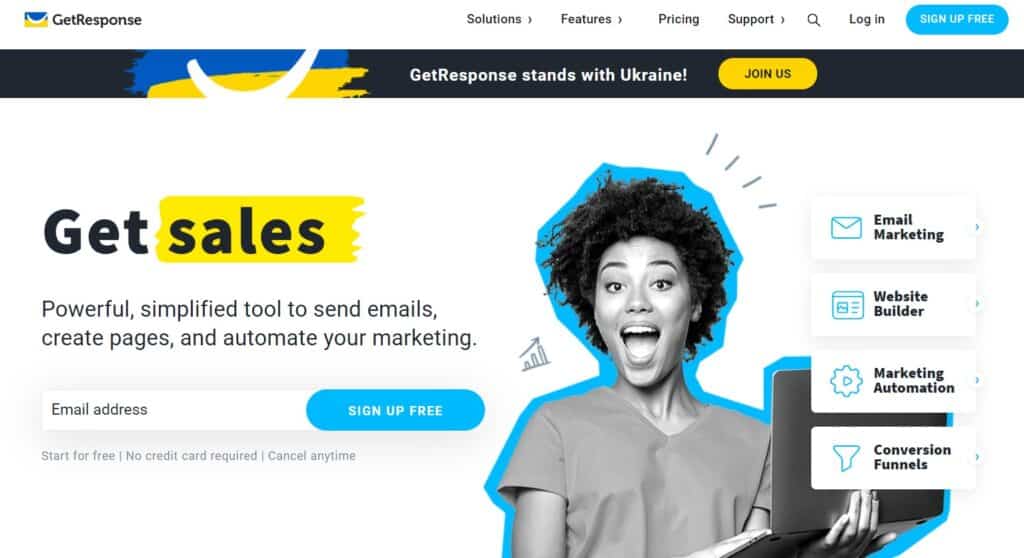
27. Getresponse
Whether a businessman or a marketing manager, Getresponse has personalized tools for anyone and everyone, from free plans to some premium ones.
GetResponse

Pros
- Easy to build creative emails with drag-and-drop editor
- Free email templates and stock images/GIFs included
- Marketing automation sends content automatically
- A/B testing for better email performance
- Free plan available to get started
- Subscriber data management and segmentation
Cons
- Free plan limited to 500 contacts
- Landing page builder is basic
- Advanced automation only on higher-tier plans
Summary
GetResponse is a well-rounded email marketing platform that goes beyond just sending emails. I appreciate the landing page builder and marketing automation included even on lower plans.
Getresponse offers robust as well as simple tools to create webpages, send emails and automate marketing.
With over 100,000 businesses that have already joined Getresponse, more are finding ways to work with one of the best email marketing providers in the industry.
Features
What made soo many businesses join Getresponse? Let’s know what they offer:
- Easy to build creative emails
- Get free email templates
- Free images and GIFs available for the creation of unique emails
- Working on subscriber data
- Test the emails for better results and responses
- Collection of actionable data through emails
28. Mailchimp
Mailchimp is a popular email marketing platform that allows companies and individuals to create, send and track their email campaigns.
Mailchimp creates attractive emails that reach the related audience, build a better understanding and help email turn into revenue and growth.
You can easily apply on their platform and start working towards success and wealth today!
Features
Here are some innovative features Mailchimp provides:
- Create your online business and market it
- Marketing tools to reach out to the targeted audience through emails
- With flexible templates and easy to use design tools, create the best content
- Marketing automation
- Actionable insights
Best Page Builder Tools
You need not be techy to build your own website by applying all codes, etc. With some page builder tools, all you need to do is apply your creativity, use drag and drop options, insert the fill in the blank options, and all other things required to create a website.
Isn’t it easy? Now, let’s explore some amazing page builder tools to help you design a fantastic website!
29. Elementor
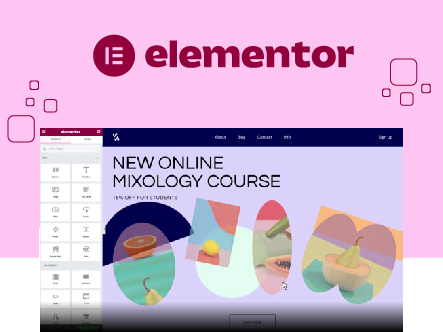
Elementor is a website-building platform for WordPress. It was a need to build such software for professional designers, developers and marketers so that they could build beautiful websites through it.
Elementor

Pros
- Live drag-and-drop editor with real-time preview
- 90+ widgets for every type of content
- Pixel-perfect design controls
- Professional workflow with revision history
- Free version with solid core features
- One website created every 10 seconds
Cons
- Can slow down page load times if overused
- Pro version required for theme builder
- Creates vendor lock-in with custom shortcodes
Summary
Elementor is the most popular WordPress page builder for a reason. The drag-and-drop editor is intuitive, and with 90+ widgets you can build professional pages without code.
With one website being created every ten seconds, Elementor must be offering something exceptional to deliver and satisfy soo many customers, isn’t it right?
Features
Design your website with the most amazing features of the #1 website creation platform for WordPress:
- Live Drag & Drop Editor
- 90+ Widgets
- Pixel-Perfect Design
- Advanced Web Creation
- Professional Workflow
- Enhancing WordPress
30. Spectra for Bloggers
Spectra, once known as Ultimate Addons for Gutenberg, comes from the creators of the Astra theme. So, it pairs up perfectly with it. Originally, Spectra was a simple block-adding plugin. Now, it’s grown into a full page-building tool, packed with blocks, design templates, wireframes, and a lot more.
Spectra

Pros
- Dynamic Content Extension auto-updates text and images
- Loop Builder for custom post layouts
- Popup Builder included in Pro
- Instagram Feed and social blocks available
- Lightweight and built for Gutenberg natively
- Pro starts at just $49/year
Cons
- Pro features required for most advanced blocks
- Fewer third-party integrations than Elementor
- Business Toolkit still upcoming
Summary
Spectra has evolved from a simple block plugin into a full page-building tool for Gutenberg. I like the Dynamic Content Extension and the fact it pairs perfectly with Astra.
Price: USD 49 /year
Get Instant Discount of 20%There’s also a Spectra Pro version for bloggers who want more design features. It boosts the free version with new blocks, like the Instagram Feed, Registration, Login, and Loop Builder blocks, just to name a few.

A cool thing about Spectra Pro is its Dynamic Content Extension. Usually, website content stays the same until you change it. But with this feature, bloggers can automatically change text and images across their site. It makes blogs look fresh and engaging.
When it comes to cost, Spectra Pro begins at $49 a year with the “Spectra Pro plan”. There are also other options like the Essential Toolkit and an upcoming Business Toolkit to check out.
Key Features:
Let’s talk about Spectra Builder’s features:
- Dynamic Content
- Loop Builder
- Popup Builder
- Animations
- Image Gallery
- Instagram Block
- Countdown Timer
- Slider Pro
- User Registration/Login
- Modal
31. Thrive Architect
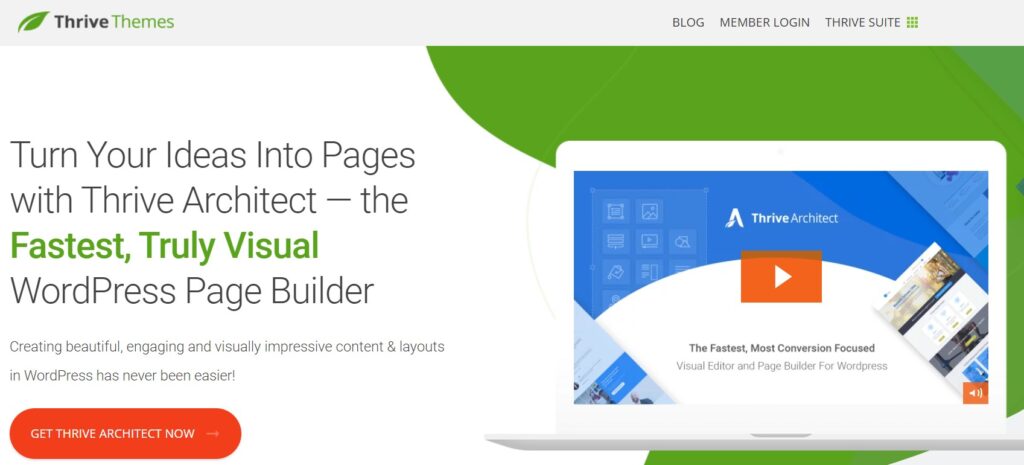
A WordPress website builder, Thrive Architect turns your innovative ideas into amazing pages, which attract customers to your brand/business.
Thrive Architect is a powerful visual editor for WordPress that allows users to create professional-looking websites without the need for coding knowledge.
The software provides ‘n’ a number of landing page formats and gains more traffic and shares of your webpage, which creates revenue for your brand.
Features
Thrive Architect offers features like no one else:
- Build at the Speed of Thought
- Instant Drop and Drag Option
- Select from 271 Landing Page Templates
- Smart Landing Page Templates
- No coding or design skills needed
- Boost CTR with Conversion Focused Elements
- Pre-Built Conversion Elements
32. Divi Page Builder
Elegant Themes provides Divi, a WordPress page builder for the past 14 years, and is thriving at its best to provide the best ideas and easy work on creating a beautiful web page.
A unique website creation platform replaces the normal WordPress post editor with a far more powerful visual editor.
Both experienced designers and newbies can use it, allowing them to create stunning designs with surprising ease and speed.
Features
Let’s talk about Divi Page Builder’s features:
- Drag & Drop Building
- True Visual Editing
- Custom CSS Control
- Responsive Editing
- Design Options Galore
- Inline Text Editing
- Save & Manage Your Designs
- Global Elements & Styles
- Undo, Redo, & Revisions
Tools For Sales Funnel Builder
Determining the stages, a customer goes through starts from the top: From searching to taking action or purchasing from that particular brand. All these things come under Sales Funnel. Here is a list of stages one has to go through and is counted in the Sales Funnel:
- Awareness
- Interaction
- Interest
- Action
And to fulfill this process, one may need a sales funnel builder tool for their website, so we have listed some best companies which provide it to you:
33. ClickFunnel
Click Funnel converts your visitors into leads and then into your customers. By providing the proper sales funnelling to your website, once a visitor enters, they get many options that make them stay back once a visitor enters.
ClickFunnels

Pros
- Simple drag-and-drop webpage editor
- Convertible sales funnels with proven templates
- Innovative shopping cart with 1-click upsells
- Email and Facebook marketing automation built in
- Everything organized in a single dashboard
Cons
- Expensive starting at $147/month
- 14-day free trial is too short to fully evaluate
- Steep learning curve for sales funnel concepts
- Can feel overkill for simple blogs
Summary
ClickFunnels converts visitors into leads and then into customers through well-designed sales funnels. We’ve seen bloggers use it to monetize traffic effectively, though the price tag is steep.
Price: USD 147 /month
Start Free 14 Day Trail NowThey make sure that your visitor is guided on the right path so that they don’t get lost or confused.
Point out the one service that’s analyzed to be the most suitable for the customer and then look after the visitor even after leaving the site.
You never know when they will like to come back, or maybe you can still influence them.

Features
We’ve listed some of the best features of Click Funnel:
- Simple Drag and Drop Webpage Editor
- Convertible Sales Funnels
- Innovative Shopping Cart With 1 Click Upsells
- Email and Facebook Marketing Automation
- Everything is organized in a single dashboard
34. Leadpages
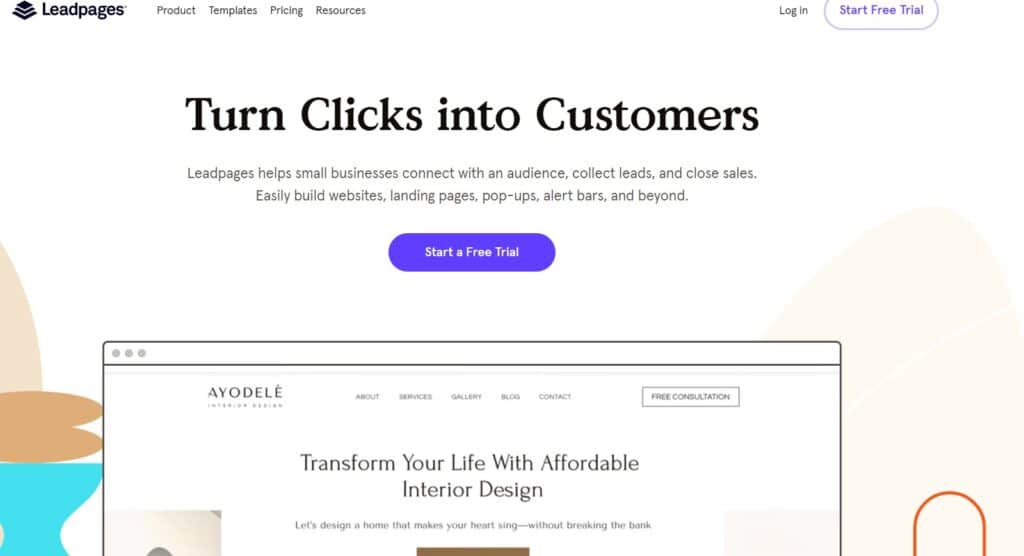
The best way to get your online small business up and running is to join Leadpages.
Leadpages

Pros
- High-conversion landing page templates
- Content highlighting to improve readability
- Growth insights and analytics built in
- Unlimited templates on all plans
- Pop-ups and alert bars included
Cons
- No free plan available
- A/B testing only on Pro plan
- Limited customization compared to full page builders
Summary
Leadpages is ideal for small business bloggers who need landing pages that convert. I find the template library strong and the insights feature genuinely useful.
Price: USD 49 /month
Get a Free Trail NowIt helps those businesses connect with potential audiences, close sales, and collect leads.
You’ll get quickly built websites, pop-ups, landing pages, and many more templates!
Features
Best features of LeadPages:
- Create high-conversion webpages, websites, and landing pages
- Highlights every content on your page
- Insights to grow rapidly
- Unlimited templates
35. Instapage
Instapage is a platform that offers the latest landing page ideas, incurring a lot more from their digital ad spend with the company.
Instapage

Pros
- Drag-and-drop interface with customizable templates
- Built-in A/B testing and optimization
- Personalization features for targeted campaigns
- Strong security and fast page load performance
- 14-day free trial to test the platform
Cons
- expensive at $199/month
- Limited to landing pages, not a full website builder
- Forms builder is basic
Summary
Instapage is a premium landing page platform with drag-and-drop simplicity. Best suited for marketers running paid ad campaigns who need fast, optimized landing pages.
Price: USD 199 /month
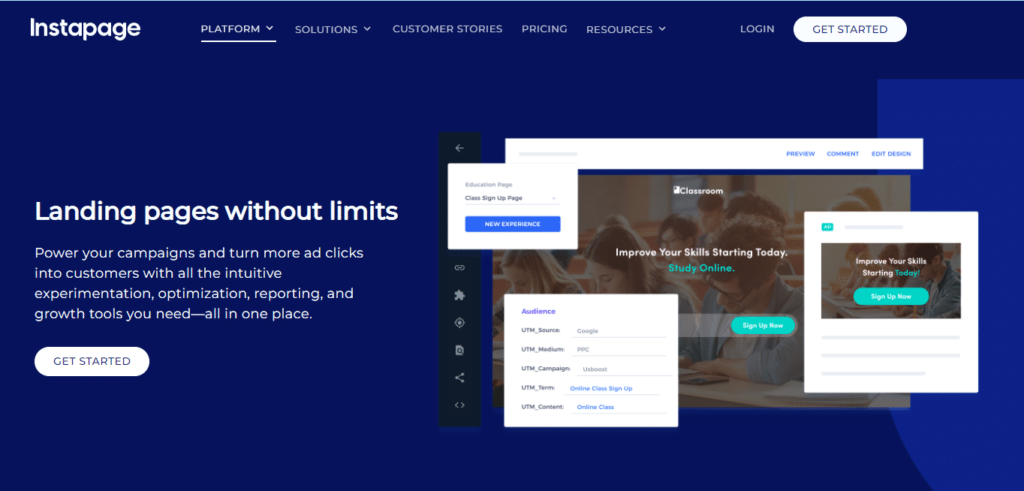
Get a 14-Day Free Trial NowWith its drag-and-drop interface and comprehensive library of customizable templates, the Instapage makes it easy for marketers to create and test landing pages without the need for coding or design knowledge.
The creation of Instapage automatically attracts customers and increases the number of visitors to your website.
Here is a list of services Instapage offers:
- Landing Pages
- Forms Builder
Features
With a lot of templates and other offerings, here are some features provided by Instapage:
- Optimization
- Personalization
- Account Management
- Integrations
- Best Performace and Security
Best Theme
To power your website with creativity and something that will attract visitors, you need to apply attractive images, colours, and information to your site. And to provide unique themes to your site, we have listed some best platforms that can provide you with trending and beautiful themes to decorate and design your website!
36. GeneratePress
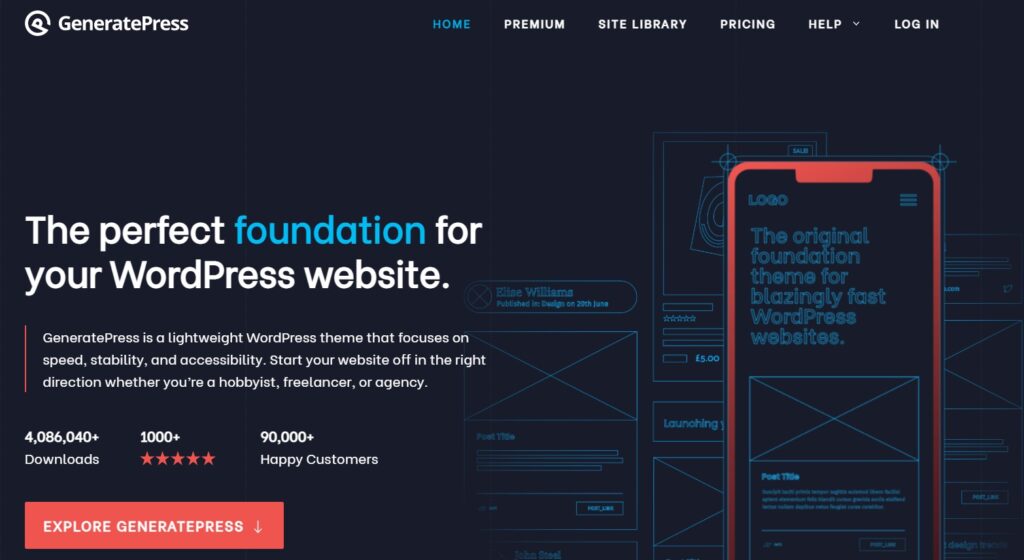
Themes are the foundation of a website; so, GeneratePress imparts a lightweight WordPress theme to your website.
GeneratePress

Pros
- Free and open source with a premium upgrade option
- Consistently achieves 100% PageSpeed scores
- Excellent customer support and documentation
- Compatible with all major page builders
- Accessibility-ready out of the box
Cons
- Design options are minimal without premium add-on
- Fewer starter templates compared to Astra
- Requires GenerateBlocks for advanced layouts
Summary
GeneratePress is the lightweight WordPress theme We recommend to bloggers who care about speed. It consistently scores 100% on PageSpeed tests and the premium version is worth every penny.
Price: USD 59 /year
Build Your Site With GeneratepressThey focus on speed, accessibility and stability. So, whoever you’re, if you want to start your business with a kick, you should opt GeneratePass for to put up an outstanding website on the internet.
Features
GeneratePress’ overwhelming features:
- Free and Open Source
- 100% PageSpeed Results
- Unrivalled Customer Support
- Compatibility with almost all devices
- Overall Accessibility
37. Astra
Are you in search of the perfect WordPress theme to elevate your blog to new heights? Look no further than the versatile and powerful Astra WordPress theme! Astra stands as an exceptional theme, catering to bloggers of all kinds with its wide array of stunning features, seamless customization options, and an extensive collection of over 240 starter templates.
Astra

Pros
- 240+ starter templates for quick site setup
- Lightweight and speed-optimized theme
- Fully responsive on all devices
- Compatible with Elementor, Beaver Builder, and Gutenberg
- WooCommerce ready for online stores
- Regular updates and excellent support
Cons
- Many features require Astra Pro subscription
- Can feel overwhelming with so many options
- Some starter templates require premium plugins
Summary
Astra is the most popular WordPress theme with 240+ starter templates and deep page builder compatibility. We use it on multiple client sites because it’s lightweight and incredibly customizable.
These templates serve as the foundation for bringing your unique blogging vision to life. With Astra, you’re not confined by limitations; instead, you’re bestowed with creative freedom.
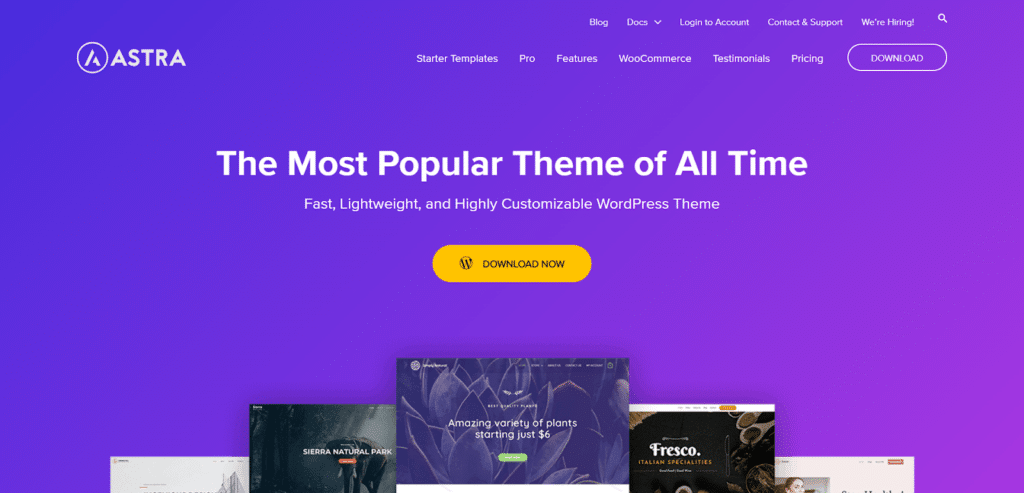
It allows you to craft a website that exudes your distinctive style and captivates your audience in the most engaging manner possible. Explore the vast possibilities that Astra’s 240+ starter templates have to offer and unlock the true potential of your blogging journey. Embrace Astra today and witness your blog soar to new heights!
Features
Presenting the Remarkable Features of Astra WordPress Theme:
- Lightweight and Speed-Optimized
- Beautiful Pre-Built Demos
- Customization Made Easy
- Fully Responsive
- Compatibility with Page Builders
- WooCommerce Ready
- SEO-Friendly
- Regular Updates and Support
38. Elegant Themes
With the most elegant and popular WordPress themes available at Elegant Themes.
They’re topping the charts and making websites look terrific!
With Divi Page Builder and other services, join more than 806,875 empowered Web Design Professionals and Business Owners.

Features
These are some best features of Elegant Themes:
- Unlimited Use
- Simple and Reasonable Pricing
- Trustable Products
- Constant Updates
- Topnotch Security
- 24/7 Premium Customer Support
- Guaranteed Satisfaction in services
- Active Community
39. Studiopress
StudioPress builds WordPress websites with genesis, making them faster and more efficient.
StudioPress

Pros
- Accessibility-ready themes out of the box
- Mobile responsive with one-click setup
- Genesis Pro content tools for WordPress block editor
- Clean, well-structured code base
- Multiple color styles and custom headers
Cons
- Less beginner-friendly than Astra or GeneratePress
- Fewer design options without custom CSS
- Premium pricing for the Genesis framework
Summary
StudioPress with Genesis Pro is a premium WordPress framework that prioritizes clean code and security. We recommend it for bloggers who want a rock-solid foundation.
Price: USD 360 /year
Build Your Site With Genesis ProThey make sure that the WordPress themes and plugins work to create innovative, creative, high-performing, SEO-optimized secure websites in no time!

Genesis Pro
With Genesis Pro, you can dive into a world full of amazing content tools that make it simpler to construct impressive and engaging content with the use of a WordPress block editor.
Features
StudioPress has some interesting features; why don’t you take a look at them:
- Accessibility Ready
- Ad-space
- Colour styles
- Custome header
- Mobile Responsive
- One-click theme setup
Tools For Social Sharing
One of the ways to spread your brand all over the web is by getting it on social media, the most used platform by people all over the world. And copy your website’s information somewhere on social media platforms or applications comes under social sharing.
And to do so, there are some tools/plugins which help you in it. Let’s know about them:
40. Social Snap
Social Snap is one of the best social sharing plugins, which helps its users drive more traffic and increase engagement on their website by taking advantage of the most-used social media platforms!

Social Snap

Pros
- Beautiful share buttons on every screen size
- Integrated statistics and analytics dashboard
- URL shortening via Bitly integration
- Minimum share count rule to hide low counts
- Device visibility control for each button
- Page view counter and top-performing posts widget
Cons
- No free version available
- Fewer social networks than some competitors
- Advanced features require higher-tier license
Summary
Social Snap is one of the best social sharing plugins We’ve tested. Analytics integration, URL shortening via Bitly, and device-specific visibility controls set it apart.
Price: USD 39 /year
Get Social Snap Upto 30% OFFFeatures
Here are some remarkable features of Social Snap:
- Easy to Use
- Beautiful on Any Device
- Integrated Statistics & Analytics
- URL Shortening via Bitly
- Minimum Share Count Rule
- Device Visibility for Each Button
- “More Networks” Button
- Page View Counter
- Gutenberg, Shortcodes & Widgets
- Topmost performing posts widgets
41. Social Warfare
Social Warfare adds attractive buttons to your website leading to social sharing. With over 1,000,000 downloads, Social Warfare, a subsidiary of Warfare Plugins, captures the power of social media to make your website touch the heights of success.

Social Warfare

Pros
- Gorgeous share buttons responsive on every screen
- Lightning-fast performance with minimal load impact
- Control what people share and how they share it
- Social optimizer for better social media previews
- Over 1,000,000 downloads
Cons
- Free version has limited features
- Development updates have slowed down
- Fewer integrations than Social Snap
Summary
Social Warfare has over 1 million downloads and adds attractive social sharing buttons to your WordPress site. I like the focus on page load performance.
Price: USD 29 /year
Try Social Warfare For SharingFeatures
What makes Social Warfare unique?
- Gorgeous share buttons on every size screen
- Easy to use, out of the box
- They take load time seriously
- Control what people share, and especially how they share it
- Top support team
- Lightning Fast Performance
- Customizable
- Social Optimizer
Best Caches Plugins
When the visitor gets a response from a lighter HTML page instead of a heavier and time-taking HTML page, this work is done by Cache plugins.
Read ahead to know which plugin platforms are available to fulfill these terms.
42. WP Rocket
WP Rocket is more than just a caching plugin for WordPress. It’s the most effective way to speed up your page load time, raise your PageSpeed score, and improve your Core Web Vitals.
WP Rocket

Pros
- PageSpeed scores increase instantly after activation
- No technical configuration needed, works out of the box
- Optimizes for Core Web Vitals automatically
- Lazy loading, minification, and database optimization built in
- Better SEO ranking through improved page speed
- Reduces bounce rate with faster load times
Cons
- No free version available, starts at $59/year
- Single site license can feel limiting for agencies
- Some features overlap with hosting-level caching
Summary
WP Rocket is hands-down the best caching plugin for WordPress. We’ve used it on dozens of sites and the instant PageSpeed improvements are real.
Price: USD 59 /year
Get Wp Rocket NOW!According to WordPress experts, WP Rocket is the greatest caching plugin for achieving fantastic speed results and optimizing your website for the Core Web Vitals.
Features
Let’s look at how it does it:
- PageSpeed scores increase instantly
- Save time without any heavy lifting
- Optimize speed with the latest and cutting-edge technology
- Great First Impressions
- Better SEO Ranking
- More Conversions improving conversion rates
43. W3 Total Cache
Powered by WordPress.org, W3 Total Cache enhances your site’s SEO, Core Web Vitals, and overall user experience, by enhancing website speed and lowering load times with features such as content delivery network (CDN) integration and the current best practices.
For more than a decade, millions of publishers and other users have trusted W3 Total Cache as the only web host that uses the Web Performance Optimization (WPO) framework for WordPress.
It’s an all-in-one solution for WordPress website optimization.
Features
Here are a few of the many features which the platform offers:
- Compatible with various servers
- Mobile Support
- SSL support
Caching in memory, disk, or CDN:
- Caching of pages and posts
- Caching of feeds
- Caching of search results pages
- Caching of database objects
- Caching of objects and fragments
Best Tools For VPN
A VPN browser extension is a simple browser plugin that allows you to connect to a VPN (Virtual Private Network) quickly and easily. It’s simple to use and doesn’t affect your browser traffic. it won’t interfere with anything else on your device.
A VPN browser extension conceals your location and IP address, allowing you to browse anonymously. And to use it for your websites, you need to add a plugin after buying it from any provider.
44. Nordvpn
NordVPN is a VPN service and the main product of Nord Security, a cybersecurity company.
They work hard to provide users with free and secure internet access. They have built the world’s fastest VPN with cutting-edge features via hard work, technological innovation, and a lot of devotion.

NordVPN

Pros
- Speedy and stable connection from anywhere in the world
- Protects all devices with a single subscription
- Secure, private internet access with no-logs policy
- Built-in threat protection blocks ads and trackers
- Up to 60% off with current discount
Cons
- Monthly pricing is expensive without a long-term plan
- Some servers can be slow during peak hours
- No free tier available
Summary
NordVPN is the VPN I trust for both personal browsing and client work. It’s fast, protects all devices, and threat protection blocks ads and malware without a separate plugin.
Price: USD 3.49 /month
Get NordVPN with 60% offFeatures
We’ve written down some features of NordVPN:
- Enjoy a speedy and stable connection from anywhere
- Protects all of your devices
- Get secure, valid, and private access to the internet
- Their features can protect you from ads, malware, and trackers
45. ExpressVPN
ExpressVPN is a VPN plugin provider for your website with blazing fast speed and performance accompanied by unlimited bandwidth, also, robust online security helps in safeguarding the data from any kind of attack or loss.
ExpressVPN works on all kinds of platforms, with coverage of 5 devices at once!

ExpressVPN

Pros
- Lightning-quick connectivity and unlimited bandwidth
- Robust online security and data protection
- Works seamlessly on all platforms and devices
- 24/7 customer support available
- 30-day money-back guarantee
Cons
- Most expensive VPN on this list
- Only 5 simultaneous device connections
- No ad-blocking feature built in
Summary
ExpressVPN delivers blazing fast speeds and works on all platforms. I find it reliable for streaming and general browsing, with the 30-day money-back guarantee.
Price: USD 8.32 /month
Get ExpressVPN NowFeatures
What’s in the ExpressVPN feature box?
- Valuable data protection
- Works seamlessly everywhere
- Lightning-quick connectivity
- Use in any device
- 24*7 customer support
- 30-day money-back guarantee
46. Surfshark
Surf Shank provides VPN plugins to secure your digital and online presence!
You can protect your data, stay anonymous, use the open internet, and avoid eavesdropping from the government or other organizations.
Stay secured with Surf Shark!

Surfshark

Pros
- Unlimited simultaneous device connections
- Protects data and keeps you anonymous online
- Works on any platform including routers
- Up to 82% off with current discount
Cons
- Speeds can be inconsistent on some servers
- Newer brand with less proven track record
- Some advanced features behind paywall
Summary
Surfshark gives you unlimited device connections at a fraction of the cost. We recommend it for bloggers who want solid VPN protection without breaking the bank.
Price: USD 2.49 /month
Get Surfshark VPN up to 82% offFeatures
Few but stunning features of Surf Shark:
- Keep your data safe
- Protect all of your devices
- Use the open internet
- Secure any or all platforms
47. Ipvanish
With over 2,000+ servers, 75+ VPN locations and 40,000+ IP addresses, IPvanish is a high-speed VPN connection available globally.
They value your privacy and protect your data at all costs!

IPVanish

Pros
- 2,000+ servers across 75+ locations globally
- 40,000+ IP addresses for true anonymity
- Advanced encryption and simplified data protection
- Unmetered connections on all plans
- Up to 63% off with current discount
Cons
- Past controversy around logging policies
- Interface feels dated compared to NordVPN
- Streaming unblocking is inconsistent
Summary
IPVanish stands out with 2,000+ servers, 40,000+ IP addresses, and unmetered connections. Solid encryption, though the interface could use a refresh.
Price: USD 3.33 /month
Get IP Vanish VPN up to 63% offFeatures
Best features of IPVanish:
- Top-notch online safety and internet privacy
- Simplified protection of data
- Advanced Encryption
- Secured Access
- Anonymous
- Online Anonymity
- Unmetered Connections
48. ProtonVPN
When it comes to fighting for online security and privacy, ProtonVPN stands firm and makes sure about identity concealing and other aspects of privacy.
We’ll look into some key benefits of ProtonVPN, which will show how proficient they’re.

ProtonVPN

Pros
- Based in Switzerland with strict no-logs policy
- Lightning-fast VPN speeds on premium servers
- Stream content from anywhere globally
- Multi-platform support including Linux
- Free tier available with no data limits
- Perfect forward secrecy
Cons
- Free plan limited to servers in 3 countries
- Fewer server locations than NordVPN
- P2P and streaming only on paid plans
Summary
ProtonVPN comes from the makers of ProtonMail, which tells you everything about their privacy focus. I trust their no-logs policy and Swiss jurisdiction.
Features
Let’s look into ProtonVPN features:
- Easy to use
- Lightning-fast VPN speed
- Stream from anywhere
- Multi-platform support
- Perfect secrecy
- No-logs policy
Best Tools For Free Image & Image Compression
Encoding a larger image into fewer bits comes under image compression. Fitting in the images or other media at any place without any obstacle can be done once you get the image through an image compression tool.
Let’s explore some free image and image compression tools:
49. Pixabay
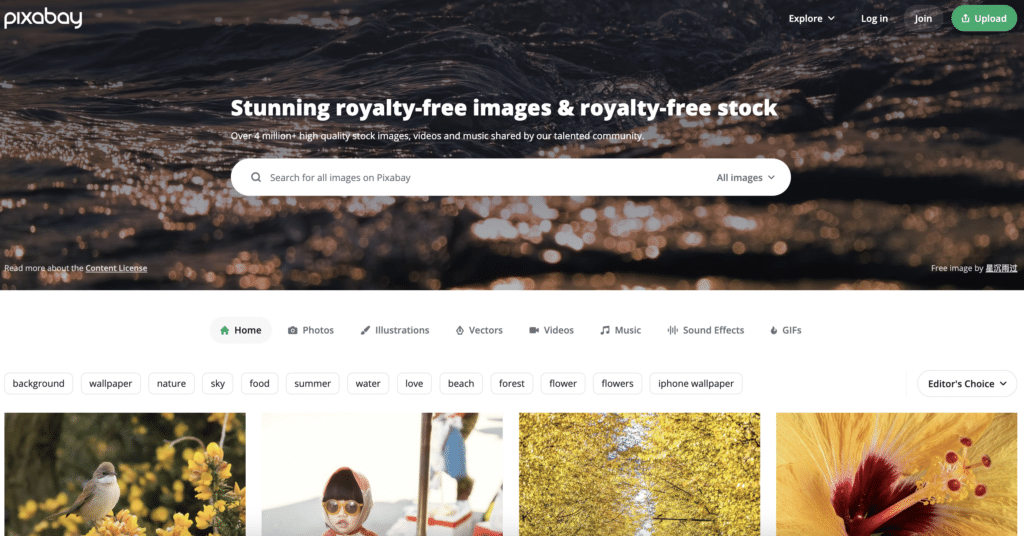
Pixabay is a community of creations, sharing copyright-free images, videos, illustrations, and music that can be used for commercial purposes!
Their contents are published under the Pixabay License, ensuring that they’re safe to use. Anyone can use it freely and openly, without the fear of taking permission or giving any credit to some artist.
Features
Features that’ll leave you in awe!
- Sort the results of your search by image type.
- In search results, you can scroll indefinitely through huge preview photos.
- Uploading images directly to the WordPress media library.
- Inserting photographs is done using normal media dialogue.
- Unobtrusive WordPress integration.
50. Unsplash
Unsplash is a platform that has offered over 2 billion free copyright images to thousands of people worldwide and is continuing to serve its users with the best quality images for free!
Features
It’s all about providing the best quality images:
- Wallpapers
- Textures & Patterns
- Nature
- Current Events
- Architecture
- Business & Work
- Film
- Animals
- Travel, and many more.
51. Pexels
To get top-quality free stock photos, videos and royalty-free images by creators, get onto Pexels’ platform!

Features
Features that Pexels offer:
- Easy to operate the home screen
- Get videos and images in a single search
- Discover stuff by topics, collections, etc.
- Totally Free
- You can even upload your shares and stocks on the platform.
52. Tinypng
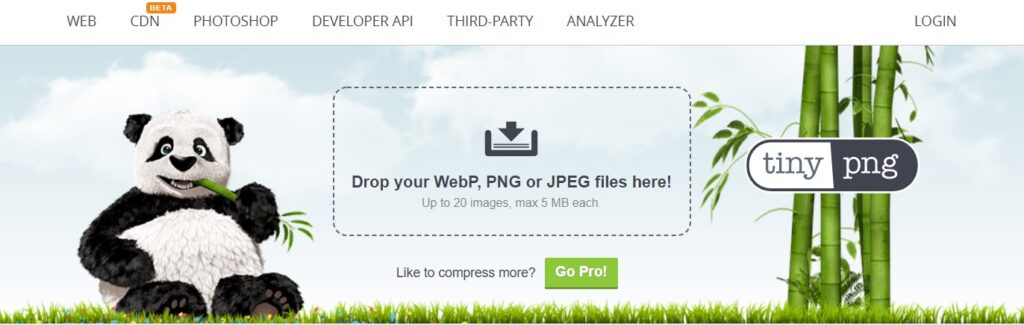
An image compression platform! You have to go on their website, upload your images, and convert them into tinypng files of smaller sizes that offer compatibility.
Features
These are some amazing features of Tinypng:
- Upload up to 5 images at a single time
- Perfect resizing of the image.
- Bicubic transparent edge correction.
- Natural image sharpening
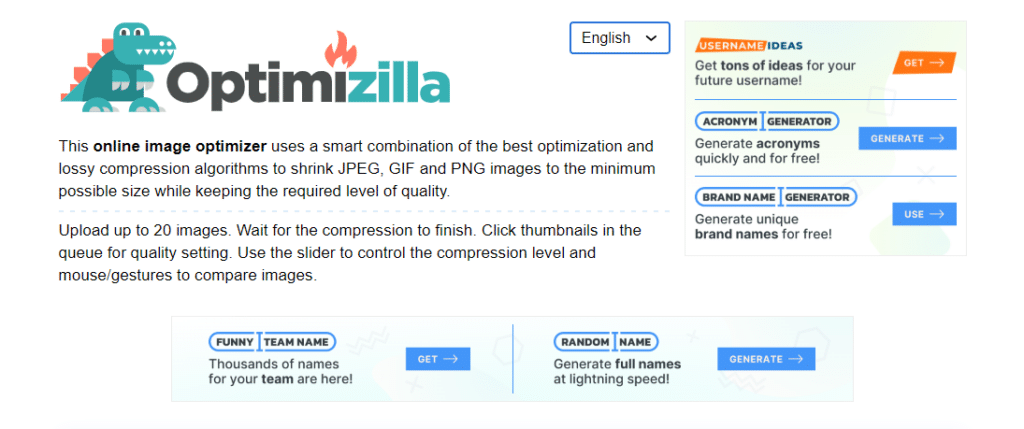
53. Image Compressor
Image Compressor uses an innovative combination of the best optimization and compression algorithms to resize JPEG, PNG and GIF images to the size of your choice or a minimum size that’s possible while maintaining the quality of the image.
Features
It’s the best platform for image compression if you want a quality image even after compression:
- Upload up to 20 images at a single time
- Best-quality image compression
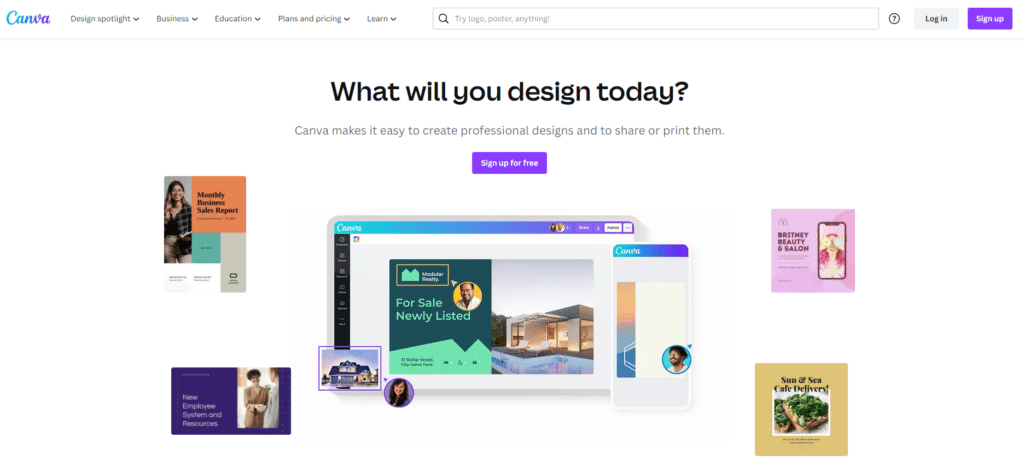
54. Canva
Canva is a go-to application and is loved by many people across the globe. It makes it easy for everyone to achieve specific targets as well as teams to accomplish collective goals to build designs for various types of formats—for example, posters, certificates, presentations, etc.
Canva

Pros
- Unlimited content creation across formats
- Branded templates for consistent design
- Background remover in Pro saves hours of editing
- Magic resize adapts designs to any platform instantly
- Content planner for scheduling social media
- Easy team collaboration
Cons
- Pro features like brand kit require paid subscription
- Limited vector editing compared to Illustrator
- Downloaded designs can have quality limitations
Summary
Canva is my default design tool and We use it daily for blog graphics, social media posts, and presentations. The free version is generous, and Pro unlocks features that save hours.
Features
Why do people love Canva so much?
- Unlimited Content
- Branded Templates
- Brand Kit Pro
- Background Remover
- Animations Pro
- Premium Videos
- Magic resize
- Content Planner
- Easy Working in Teams
- Comments and sharing
- Folders and storage
Best Web Hosting Providers
To mark your presence on the web, you need to work on your online presence, which is possible once your website is live! And to accomplish this, you need the best web hosting provider.
We’re here to introduce you to the best hosting providers around you that will make your website run smoothly and help your business grow:
55. Hosting.com
Established in 2001, Hosting.com has been serving its customers with the best services and 24*7 customer support.
Hosting.com

Pros
- Up to 20X faster page load times with turbo servers
- World-class 24/7 customer support
- Free migration of existing accounts
- 99.9% uptime guarantee
- Money-back commitment on all plans
Cons
- Renewal pricing is higher than introductory rates
- Fewer data center locations
- Turbo features only on higher-tier plans
Summary
Hosting.com has been around since 2001 and offers 20X faster page loads with optimized servers. Support is solid and pricing competitive with the 80% discount.
Price: USD 2.99 /month
Get Hosting.com Upto 80% OffHosting.com uses top-of-the-line servers to make their plans top the charts. Its servers are optimised for speed and are powered with 20X faster page load times at affordable pricing.

Features
Here are some stunning features of Hosting.com:
- Up To 20X Fast page load turbo
- World-class Support
- Free Migration of Accounts
- Money-Back Commitment
- 99.9% Uptime Guarantee
56. WPX Hosting
With over 22 years of experience as the CEO of WPX Hosting, the learned from a lot of web hosting companies and challenges to make WPX Hosting one of the best amongst all web hosting providers today.
The company started in 2013 to offer its customers great page loading speed and the latest SSD servers to serve with a website that can handle heavy traffic and still runs smoothly.
WPX Hosting

Pros
- 1-click WordPress installs on superfast SSD storage
- Unlimited site migrations to WPX included free
- Unlimited SSL certificates and DDoS protection
- Two-factor authentication and multi-user access
- 2 months extra with current offer
- Complete database and phpMyAdmin access
Cons
- More expensive than shared hosting providers
- Limited to WordPress sites only
- Fewer server locations
Summary
WPX Hosting is purpose-built for WordPress with SSD servers and unlimited site migrations. We recommend it for bloggers who want managed WordPress hosting with fast speeds.
Price: USD 20.83 /month
Avail 2 month extra with WPX hostingFeatures
Let’s look into the various features of WPX Hosting:
- 1-Click WordPress Installs
- Superfast SSD Storage
- Unlimited Site Migrations To WPX
- Unlimited SSL Certificates
- DDoS Protection
- Unlimited FTP Users & File Manager
- Complete Databases & phpMyAdmin Access
- Two-Factor Authentication
- Multi-User Access
57. Bluehost
With a reliable platform that’s backed up by 24*7 customer support. It’s the perfect solution to build a successful website and get your business to flourish online.
Bluehost is offering its services with feature-filled plans yet at reasonable rates.

Bluehost

Pros
- Multi-server management for growing sites
- Admin access control with role-based permissions
- Smooth CDN integration included
- Total domain privacy protection
- Spam protection built in
- Starting at just $2.95/month
Cons
- Renewal prices jump significantly
- Upsells during checkout can be aggressive
- Site speed is average compared to premium hosts
- Phone support wait times can be long
Summary
Bluehost is a WordPress-recommended host that makes getting started dead simple. I’ve set up many client sites on Bluehost. Pricing is hard to beat at $2.95/month.
Price: USD 2.95 /month
Get Bluehost Hosting just $2.95/moFeatures
There can be no denial of their services, with features like these:
- Multi-Server Management
- Admin Access Control
- Smooth Content Delivery Network (CDN)
- Latest and Advanced Capabilities
- Creative and Unique IPs
- Total Domain Privacy
- Protection from Spam
58. YouStable
Since its establishment in 2015, YouStable till date has served more than 70,000 customers worldwide.
With its aim of providing the best and cheapest web hosting to its users, YouStable has been upstanding it and making a significant mark in the industry.
Their 24*7 expert advice and 99.9% uptime guarantee assure smooth and growing website availability!

YouStable

Pros
- Latest NVMe SSD powered servers
- Easy-to-use control panel for beginners
- Free site migration included
- Daily backups on all plans
- 99.9% guaranteed uptime
- Up to 70% off with current discount
Cons
- Less recognized brand
- Limited international server locations
- Support response times can vary
Summary
YouStable has served 70,000+ customers since 2015 with a focus on affordable, reliable hosting. Decent choice for budget-conscious bloggers who need NVMe SSD servers.
Price: USD 1.00 /month
Get YouStable Hosting up to 70% OffFeatures
Undeniable features of YouStable:
- Latest NVMe SSD Powered Servers
- Undeniable Security
- Easy-To-Use Control Panel
- Free Site Migration
- Daily Backups
- 99.9% Guaranteed Uptime
📌Here are some other most popular web hosting providers’ review.
✅ Kamatera: Global Cloud Services Platform
✅ Chemicloud: Overall Best Reliable Cloud Hosting
✅ HostArmada: Fast, Reliable, and Stable Web Hosting
✅ ScalaHosting: Overall Best Managed Cloud Hosting
✅ Cloudways: Popular Managed Cloud Hosting Platform
Conclusion- Best Blogging Tools
We guess that no other popular tool is left for us to introduce to you before you start blogging. Choose the platforms of your choice and ensure the best blogging website for yourself!
To blog is to portray everything you have on your mind, from making people feel inspired, and motivated or imparting information. When portrayed in words and put in front of the public, all your thoughts and processes make it a blog.
Without further ado, go try out writing and getting your blog ranked on the top of the charts with these best blogging tools! We hope you had an interesting go-through of this article, and that it helped you in various ways!
Here are some other most popular Tools.
- Best Proxy Checker Tools
- Best Plagiarism Checker Tool
- Best Free Content Marketing Tools
- Best Free Backlink Checker Tools
- Best Task Management Software Tools
- Best Server Monitoring Software
- Best Free Graphic Design Tools
What are the best free blogging tools for beginners?
Some of the best free blogging tools include WordPress for website building, Google Keyword Planner for keyword research, Grammarly for proofreading, Canva for graphics, and Google Analytics for tracking performance.
Do I need blogging tools to start a blog?
While you can start a blog without specialized tools, they make the process much easier and more efficient. Tools for writing, SEO, image editing, and email marketing help you create better content and grow your audience faster.
Which blogging platform is best for beginners?
WordPress is the most popular and beginner-friendly blogging platform. It offers thousands of themes and plugins, easy customization, and scales well as your blog grows.
What tools help with blog SEO?
For blog SEO, tools like Ahrefs, SEMrush, and Ubersuggest help with keyword research. Rank Math and Yoast SEO are great WordPress plugins for on-page optimization. Google Search Console is essential for monitoring your search performance.
How much do blogging tools cost?
Many essential blogging tools are free, including WordPress, Google Analytics, and Canva’s basic plan. Premium tools like Ahrefs and SEMrush start around $99/month, but you can build a successful blog using mostly free tools.
GoogieHost offers free web hosting with cPanel, one-click WordPress install, and 24/7 support.





Great article! As a blogger, I’m always on the lookout for new tools to help me streamline my workflow and improve the quality of my content. Thanks for sharing!
Excellent article! Thank you for your excellent post, and I look forward to the next one What a wonderful piece! Right now, your post is quite useful. Thank you for giving this useful information.
what a great post sir I am regular visitor of this blog and I love your blog
Glad you found our content helpful and hope you continue to enjoy our blog😊