Unlimited Hosting, Unmatched Performance
Start at $0.01 Now

ViceTemple Login   

4 min read
ViceTemple Login   

ViceTemple Login: Login troubles and password failures can prove worse and also hinder website performance due to delayed configuration. Are you suffering from the issue mentioned above? Are you new to ViceTemple Hosting and do not know how to register a new account on Vicetemple?

Reading the article further will cohesively help you remove all the issues related to login. Firstly lets move with our first Quest about the manner in which a user can login to his account. Do Lets begin.

How to Login ViceTemple?

  • To initiate the login process, go to the log in option provided above in the menu bar. 
  • If you do not have an account with the ViceTemple, you can simply create an account with them by clicking the Sign up option.
Vicetemple Login
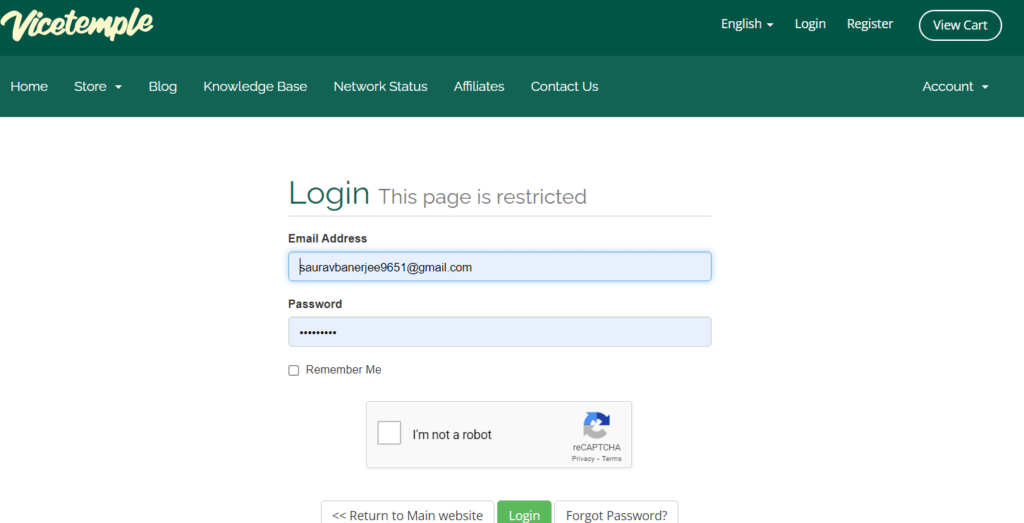
  • Once you click the login button, you will be required to enter your registered email address and the password to open your dashboard or home portal.
login button
  • Enter your details and tap the I’m not a robot checkbox before pressing the Login button.
  • If you are a new user and want to create an account, you can do so by clicking the sign up option provided above in the menu bar.
ViceTemple Signup
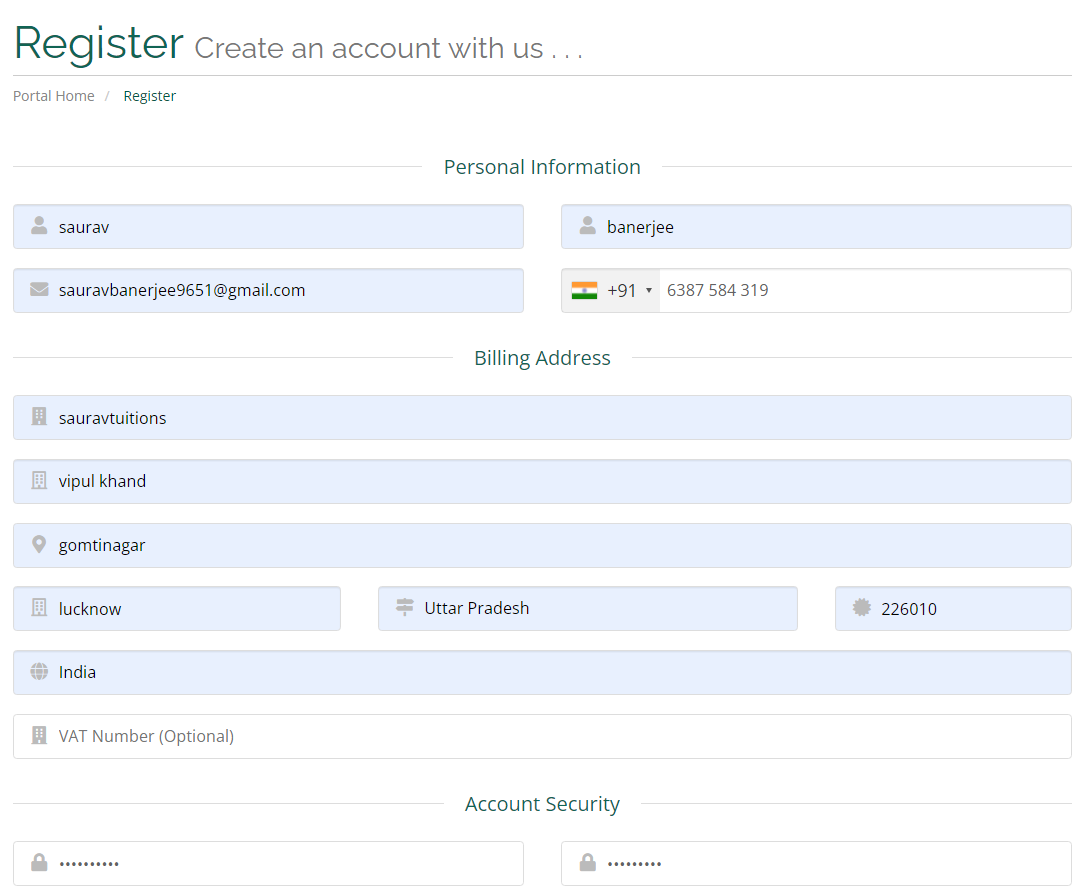
  • As you click the sign up option, you reach the registration portal asking your relevant details to be filed. One has been done for you to provide you an idea with the registration process.
registration process
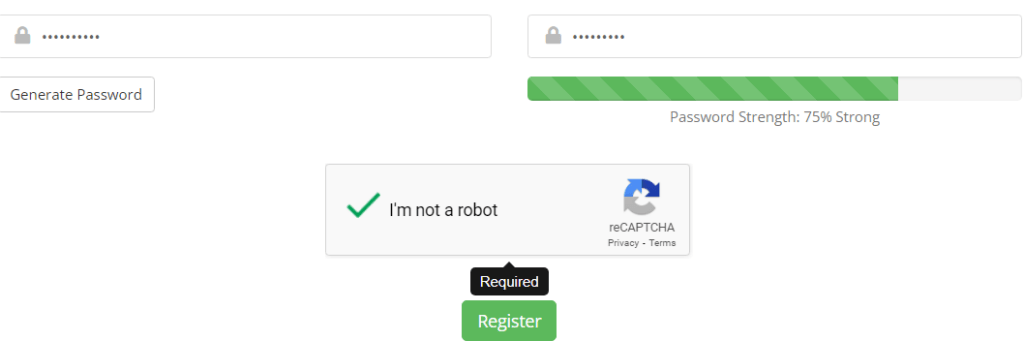
  • After the registration process is finished, press the register button right away, to initiate the procedure.
register button
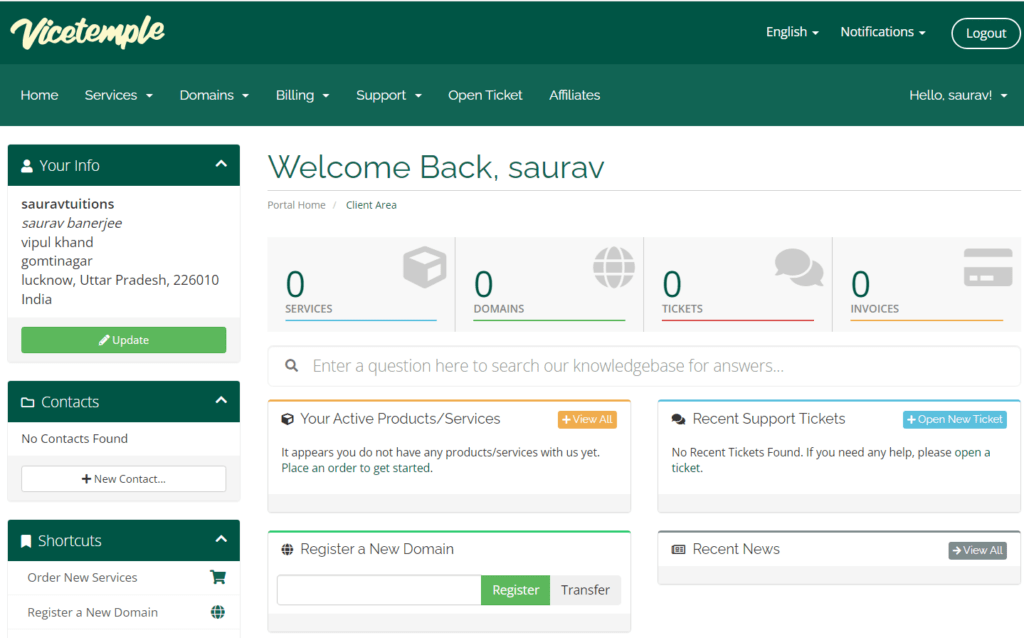
  • Thereafter, on clicking the register button, your account is successfully created and you reach your dashboard. 
Vicetemple dashboard

Ordering services and customer assistance becomes easy once you create your account. You can even trace all your activities properly from the dashboard. All updates pertaining to your account will be shown above as a notification.

How to login to the Control Panel of ViceTemple?

If you are an active user of ViceTemple and want to login to your cPanel, you need to observe these instructions stated below.
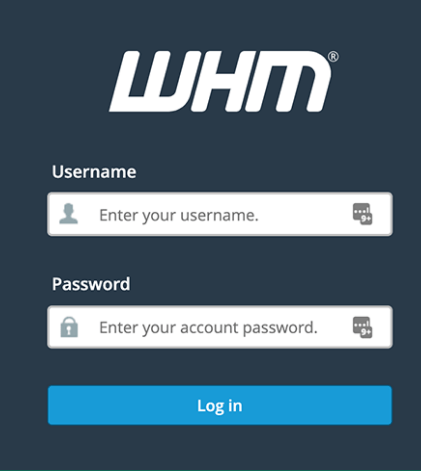
  • To log into your cPanel account, enter your website’s IP Address or your domain name followed by :2083 to access the login page of the cPanel account.
  • Enter your cPanel username and password into the space provided and then click the login option.
cPanel username and password

After you click the login button, you reach your cPanel account where you can make necessary configuration. 

Also Read: How to Find ViceTemple Nameserver.

How to Reset the Password of Vice Temple Accounts?

Resetting the password is a must to ensure security. So in order to reset the ViceTemple account password, you need to follow the steps given below.
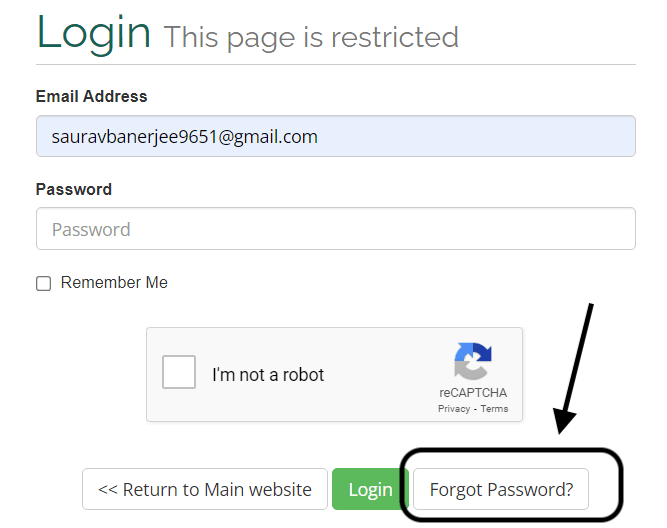
  • Go to the homepage of ViceTemple. Click to the login option above on the menu bar.
  • As soon as you click login, click forgot password?, as you want to reset the password.
click forgot password
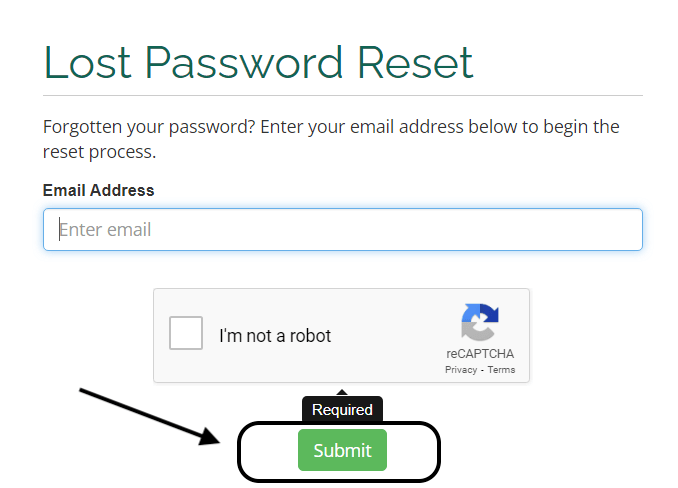
  • Once you reach the lost password reset option, enter the valid email address and press submit.
lost password reset option
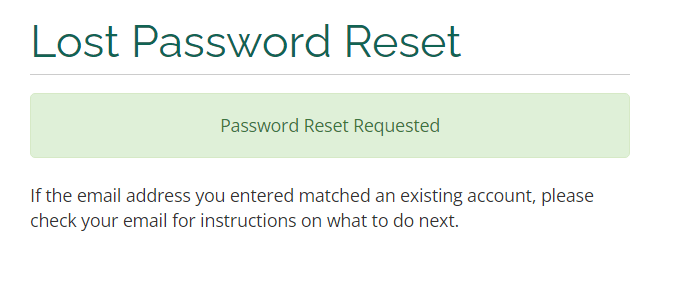
Password Reset Requested
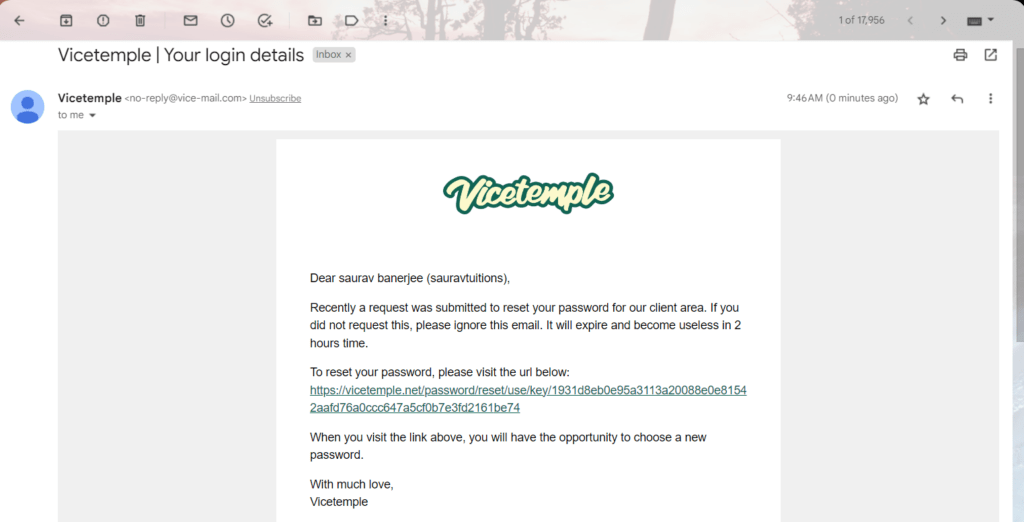
  • Click on the URL to initiate the process of resetting the password.
Click on the URL
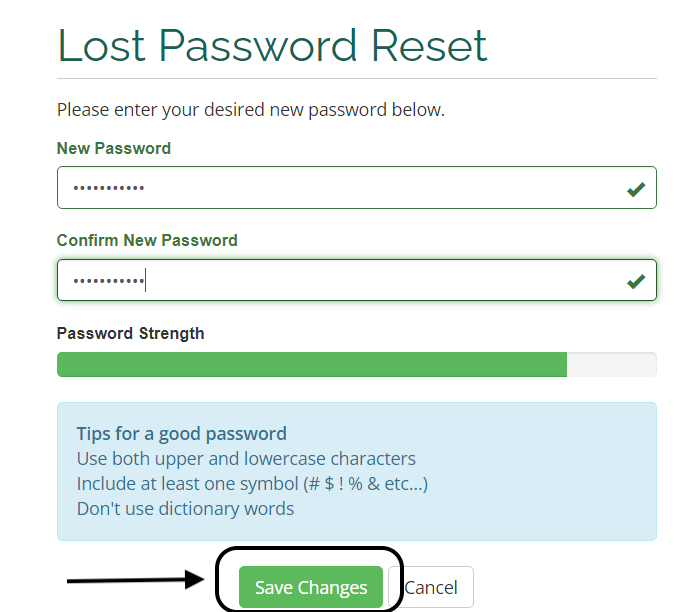
  • On clicking the URL, you’ll reach the lost password reset window enabling you to enter a new password. Try to note down the password or save the password on the computer so as to avoid forgetting. After entering the new password successfully, press the save change button.
 lost password reset
  • On pressing the save change option, the new password gets configured right away.

With these set of instructions, resetting password in case of routined security check or on occasion of losing password, becomes simple.

In case a grave issue pops up on account of difficulty faced while logging, you can get the issue sorted out by contacting the support team of ViceTemple.

How to Open a Support Ticket for Login Issues?
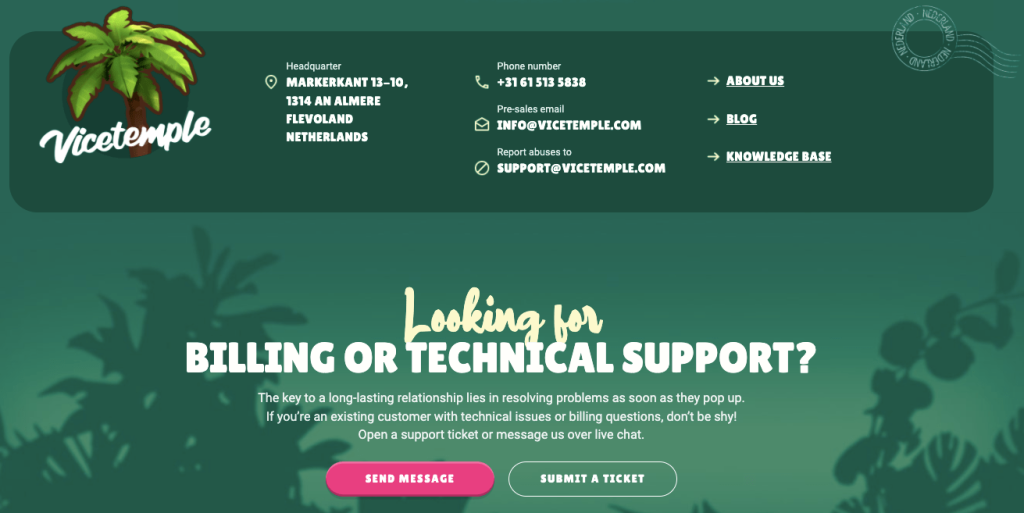
  • To open a new ticket to get the login issue addressed, go to the homepage of ViceTemple and keep scrolling down to reach About > Contact Us.
  • On reaching the Contact us page, scroll down further to click the Submit ticket option.
Vicetemple Customer Support
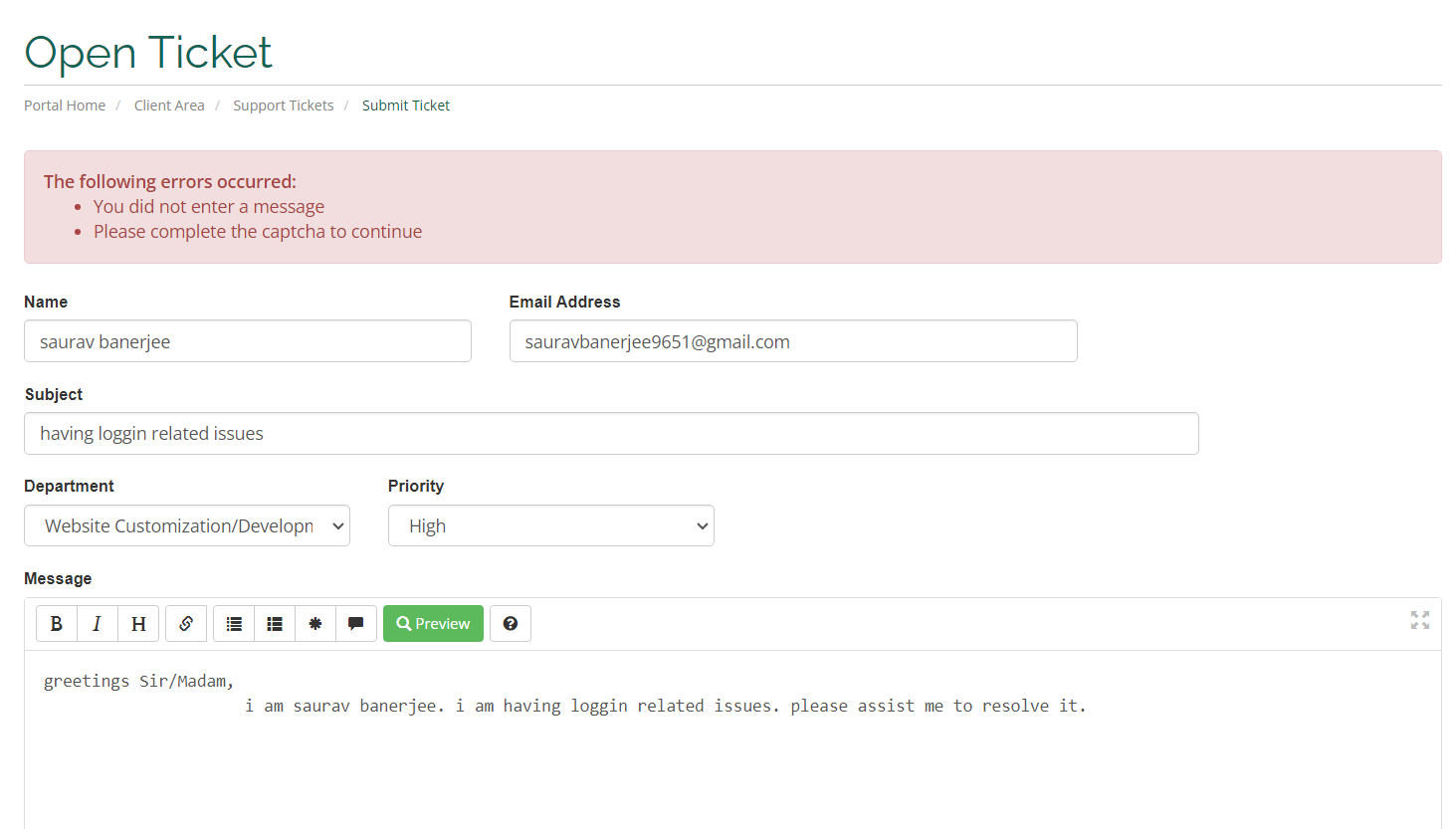
  • As a new ticket opens, fill in the necessary details and type the login issue that you require to get resolved.
Open Ticket

After mentioning the issue, finally click submit to register your issue with the ViceTemple. You will receive the answer sooner to your issue  as the ticket takes not more than 4 minutes to reply.

As you get the response, follow the instructions thereafter, as per the support team to get your problem addressed.

Conclusion – ViceTemple Login   

So we see how easily you can create your account in ViceTemple, login to the account and in case of any password failures can easily reset them as well. You also learnt logging into your cPanel in a very lucid manner. Following the steps explained above might save you from time wastage and therefore help you in the running of your websites smoothly.

We sincerely hope that you found the login related information provided in this article, fruitful. Please do like and comment to help us improve, and in case of any suggestion you would like us to give, we are all ears and will be grateful to implement your advice.


Leave a Reply

Your email address will not be published. Required fields are marked *

Scroll to Top