Fasthosts Login
Successfully created your new hosting account with Fasthosts and searched around the steps to successfully login? This is the right place, as we have for you the steps to login to Fasthosts account and its control panel.
Eventually, we will even cover for you how to reset passwords and create a support ticket if facing any related login problems.
Let’s go on a journey with us exploring Fasthosts login.
Also Read: How to order hosting from Fasthosts.
How to Login Fasthosts?
First-time logging into your web hosting account could be a problem, especially for a freshman. Worry not, freshman, as we have brought forward some of our best individuals to explain to you the steps of Logging in to Fasthosts.
Follow along as we walk you through the login process for your Fasthosts hosting account:
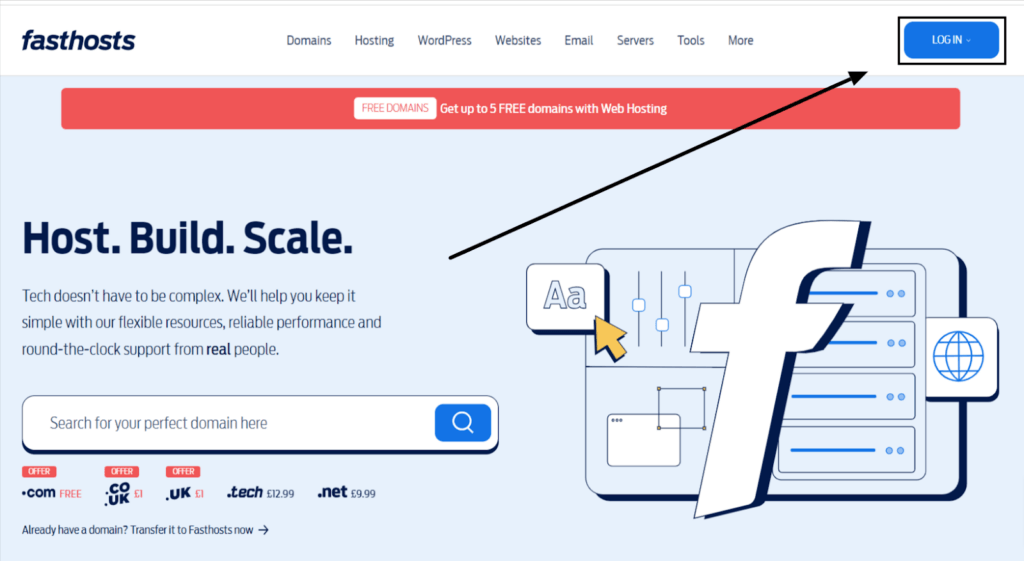
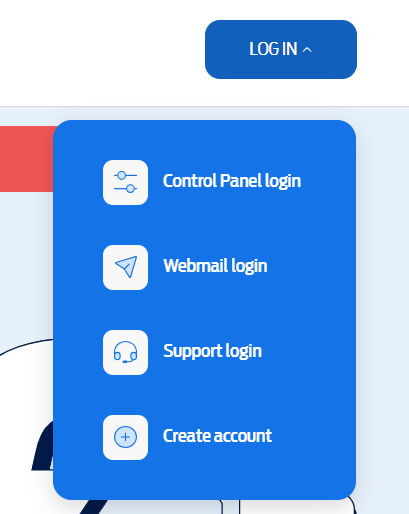
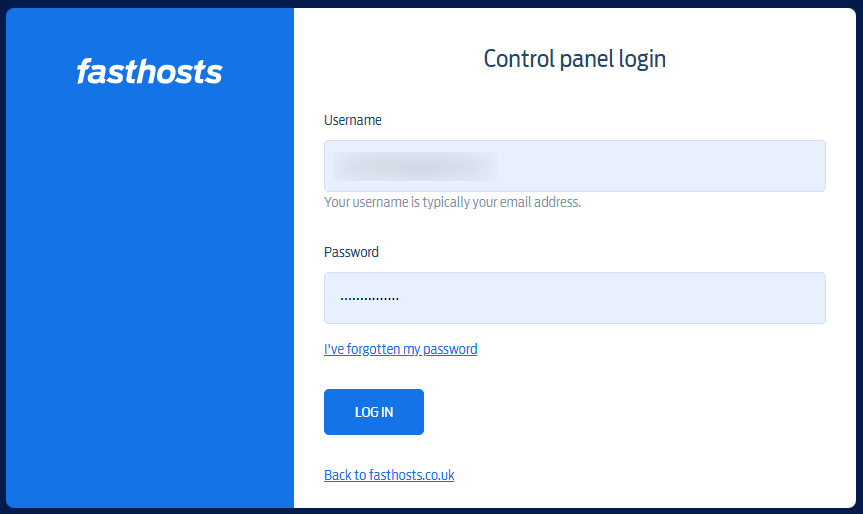
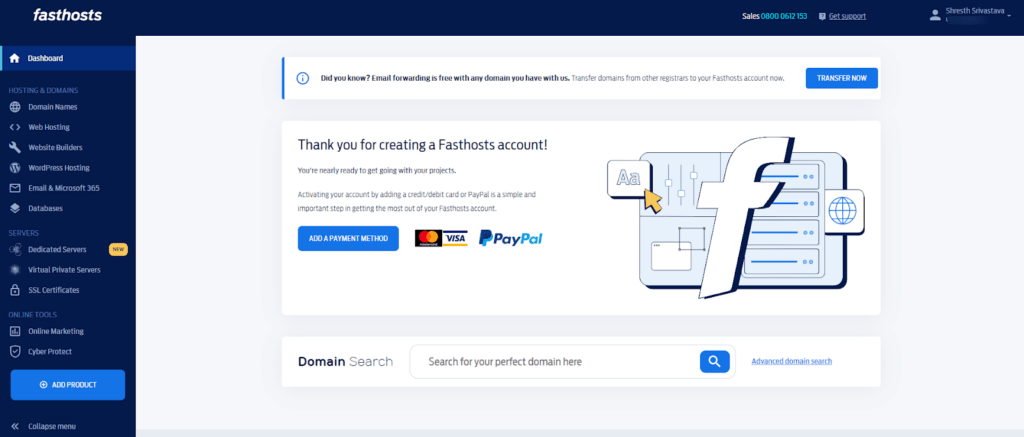
Have you signed in to the Fasthosts account ?; If not, what are we waiting for to login to your account right away.
In the next section, we will help you with the login process of the control panel.
How to login to the Control Panel of Fasthosts?
While doing research on Fasthosts, we discovered something unusual: they offered a single login for both the control panel and the dashboard. So, let us revise the steps again. This will even help you with remembering both processes simultaneously.
Let’s start by explaining to you this process in a flash :
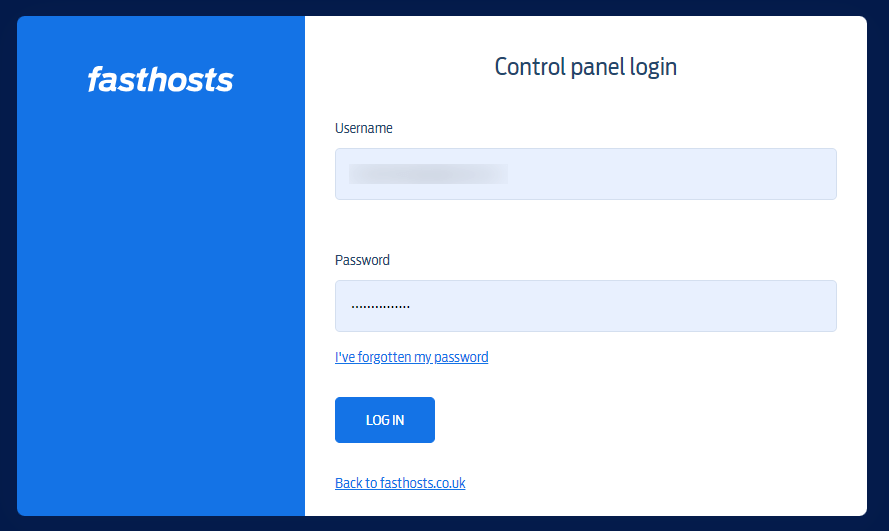
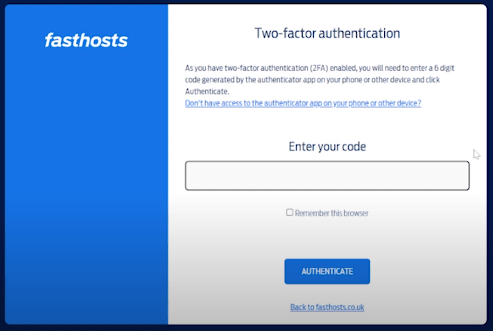
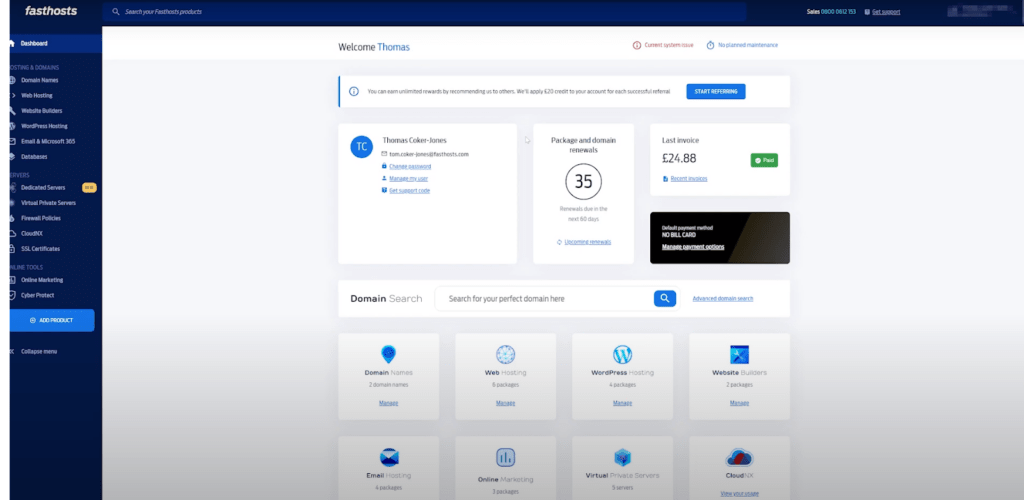
Now you know everything about logins in Fasthosts, congratulations.
Still facing problems with login processes, eh? Is this due to you forgetting the password of your Fasthosts account? Shoot this worrying right away, as next in the article is all about
Also Read: Fasthosts Nameservers.
How to Reset the Password of Fasthosts Accounts?
Are you worried as you can’t log into your Fasthosts Accounts? This could be due to the wrong password you are entering.
You can be someone who forgets their passwords more frequently OR an IT professional changing their passwords more frequently, this section is for you.
Now, we will cover for you how you can reset your password. We will cover these steps in great detail so we don’t lose you in any step.
Let’s get on with the steps right away:
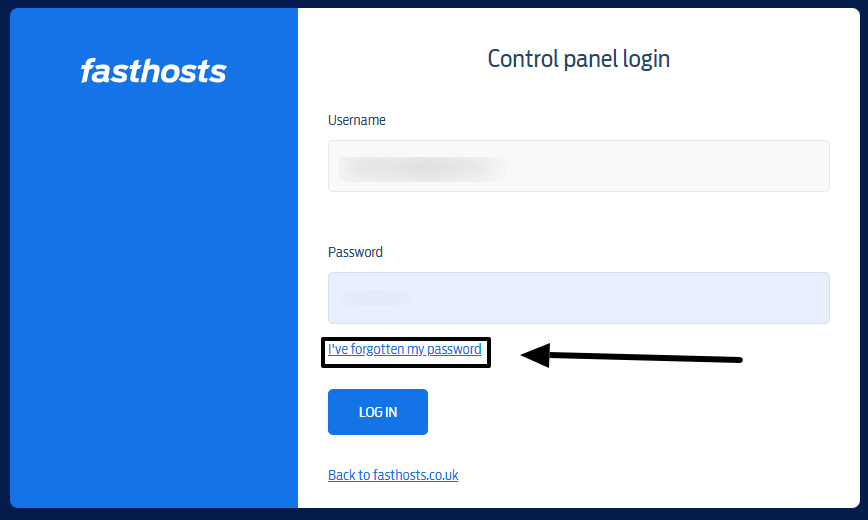
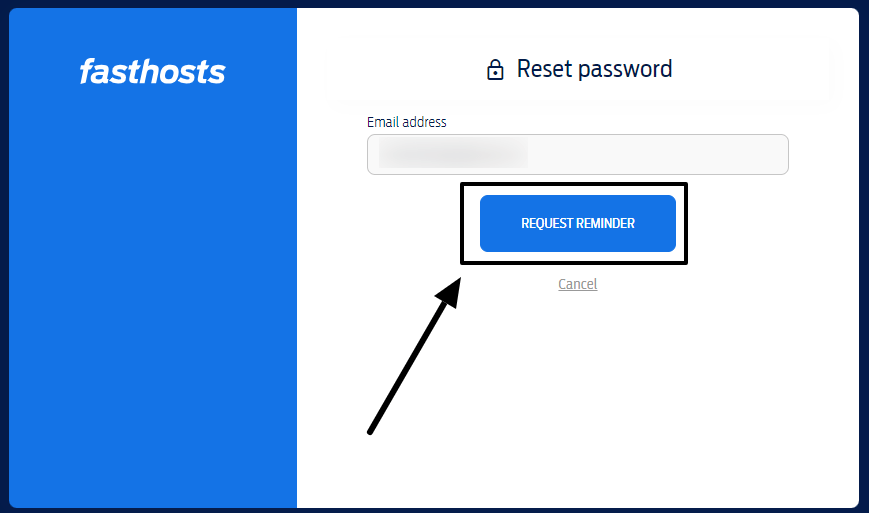
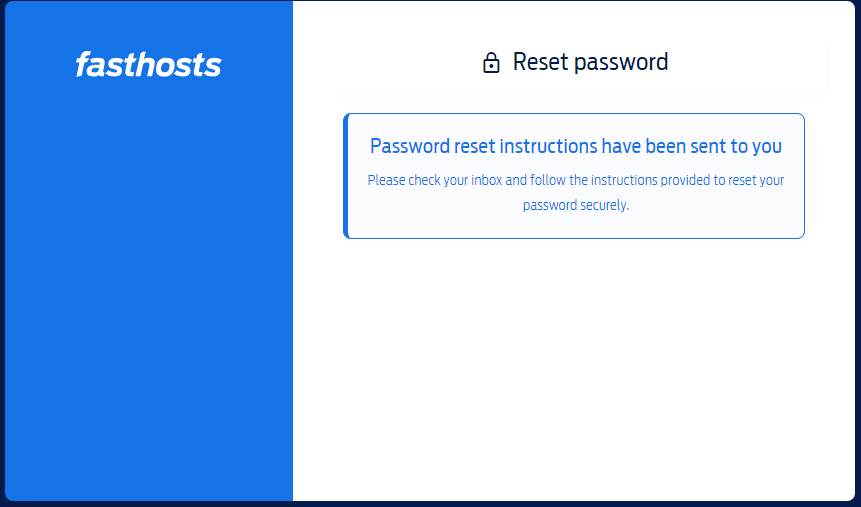
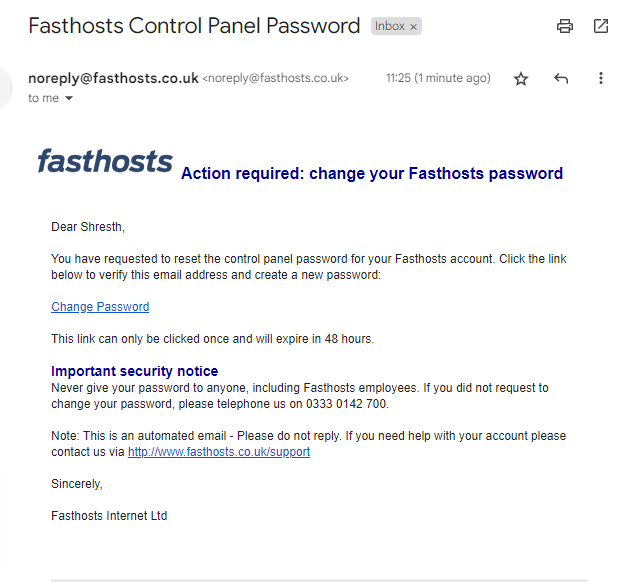
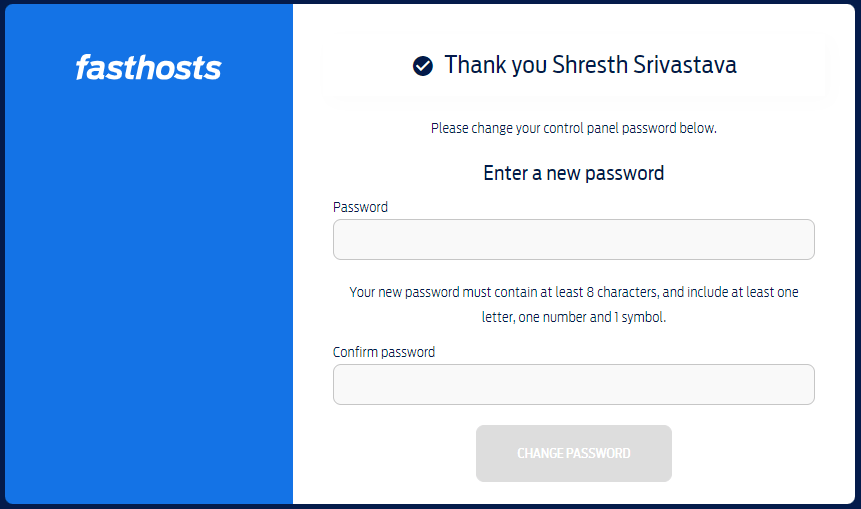
We hope you remember your passwords now but worry we are here for you even if you forget it, anyways. 😂
Still facing some login problems with your Fasthosts Accounts or any other problem you would like Fasthosts assistance upon?
Let’s cover for you a section on generating Fasthosts support tickets too.
How to open a Fasthosts Support ticket ?
Want a reliable and efficient response from Fasthosts through their support ticket channel.
Allows us to cover for you these steps in detail :
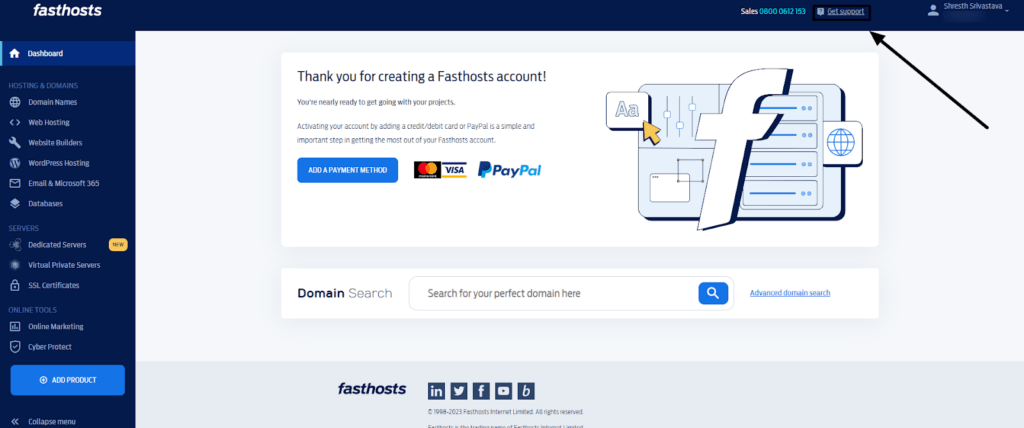
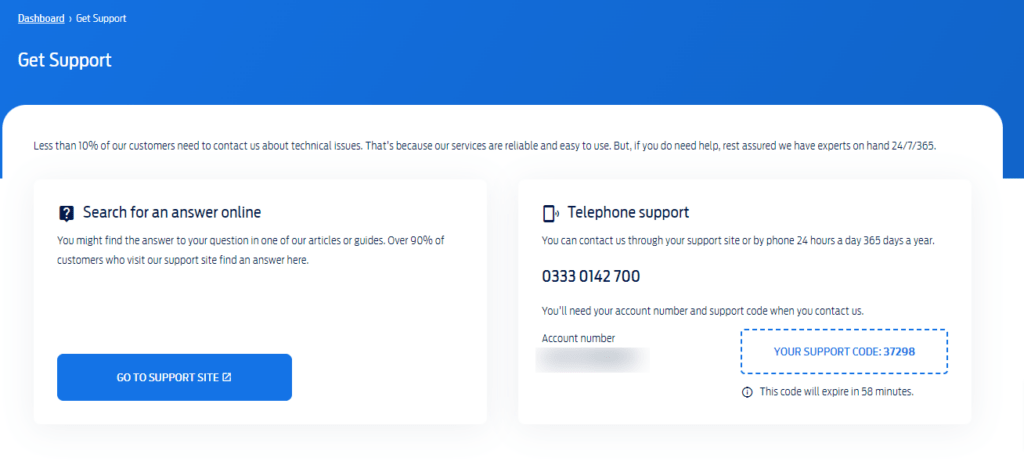
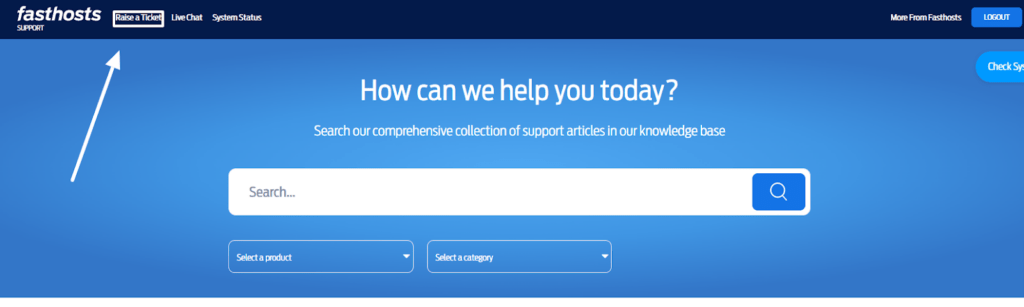
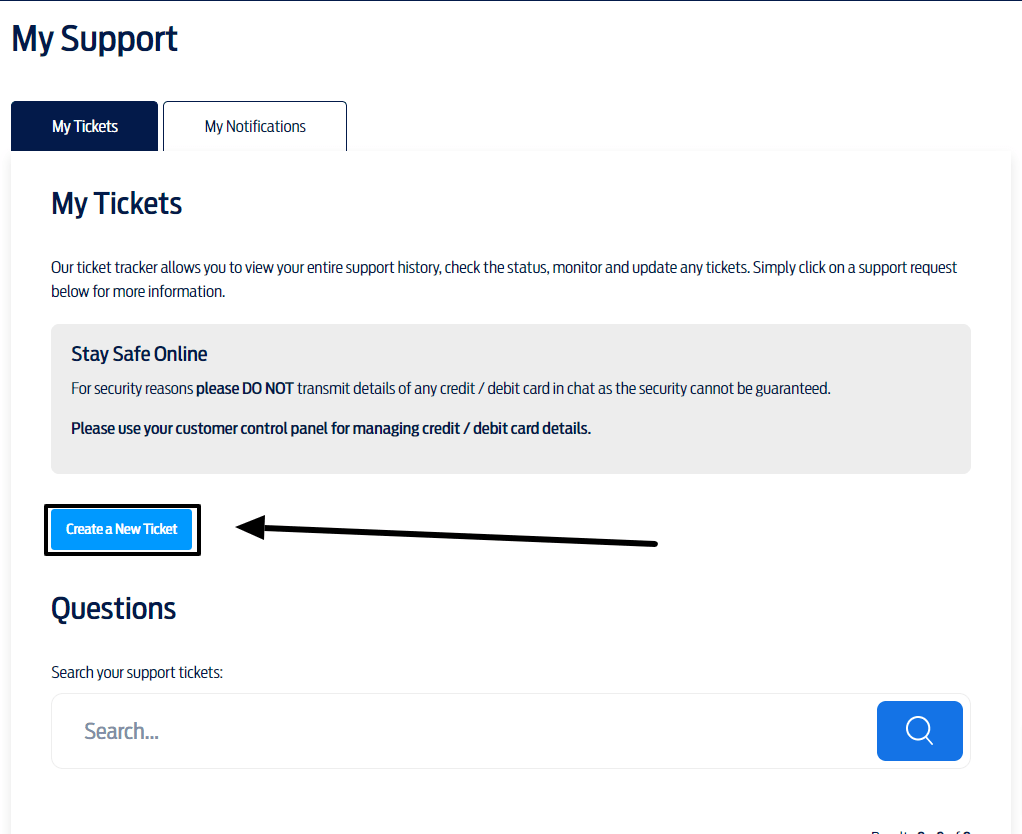
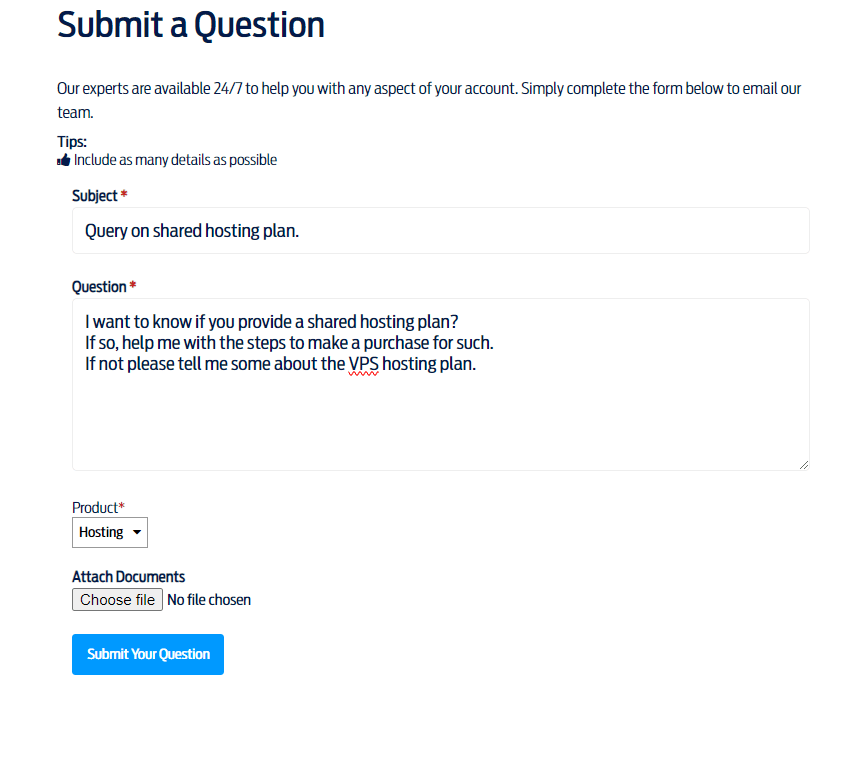
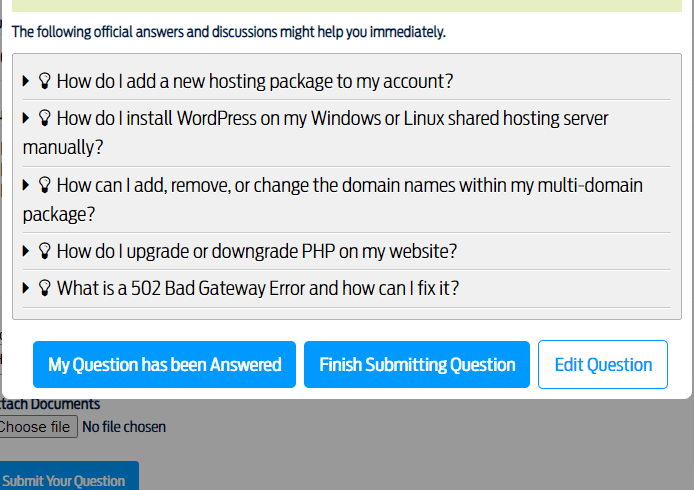
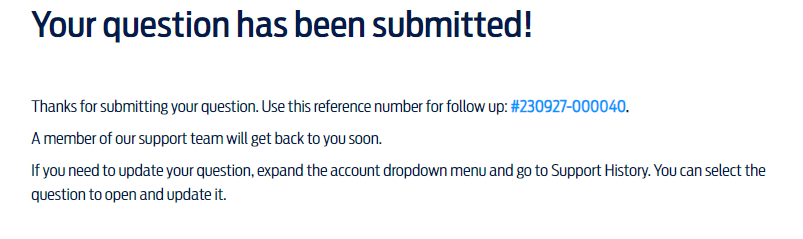
At last, you’ve smoothly created a ticket for you, wait for their reply. Want to know their response time too?, refer to this article, where we have covered the support channels Fasthosts provides along with their response time too.
Conclusion – Fasthosts Login
Finally, done reading this Fasthosts Login article thru? Wow! Now you know about Fasthosts’s dashboard and control panel login. Also, you can even change passwords and create a support ticket of Fasthosts, all by yourself.
It’s been great writing an article to help you always. Remember to suggest any new topic you want us to cover. Comment down any help you require with any step or comment “helpful” if we were able to solve your doubts. So as always, Happy hosting 👍