ScalaHosting login

ScalaHosting login allows you the freedom to customize your site in whatever way you want while enjoying different packages and allowances that help you grow your business.
We provide affordable web hosting, a money-back guarantee, secure data centers, and excellent customer service which ensures that our client is enjoying their web hosting experience.
The following tutorial will guide you in your ScalaHosting login platform:
How Register Domain With ScalaHosting?
To register your domain name, follow the steps below:
Step 1: Login to your Client Area.
Step 2: Pick and configure your hosting plan with the options shown on the screen.
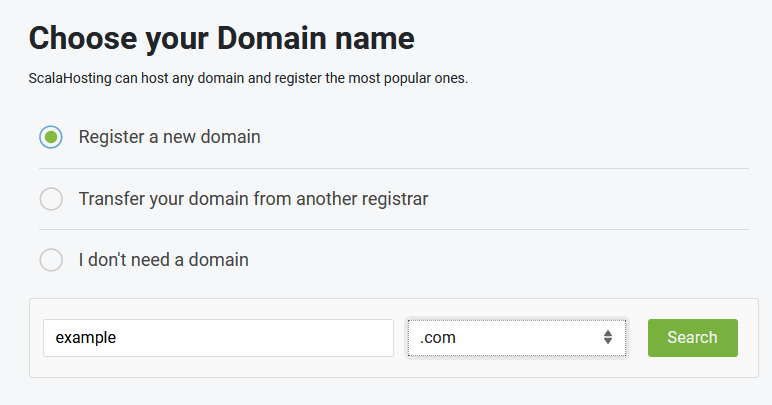
Step 3: A page will come up where you need to tick on the option for Register a Domain in the Choose your Domain name box.
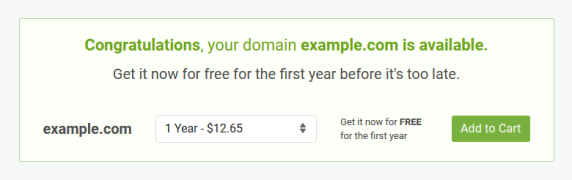
Step 4: Choose a URL from the drop-down menu and then proceed to click on Search to check the availability of your domain name.
Step 5: If the domain name is available, click the button for Add to Cart.
Step 6: Your domain will be registered after payment and you can access your Client Area.
Also Read:- How to Access YouStable Login: ClientArea, Affiliate
How Do I ScalaHosting Login In sPanel?
Follow the steps to login to your sPanel:
Step 1: To log-in via your browser address bar, get started by opening your browser such as Firefox, Chrome or Explorer, etc.
Step 2: Go to your address bar and type the following “https://domain-name/spanel”. Make sure you use your actual domain name in place of the domain name.
Step 3: Hit Enter and you will be directed to your sPanel log-in page.
Step 4: Type your username and password from the text above and press Log-in
You will be logged in to your sPanel account.
Also Read: ScalaHosting Nameservers.
How To Webmail Login In ScalaHosting?
To log in to your Webmail in ScalaHosting,
Step 1: Go to your main home page.
Step 2: Type mydomainname.com/webmail/. Be sure to replace “mydomainname” with your actual domain name.
Step 3: A ScalaHosting login page will pop up where you need to enter your login email and password.
Step 4: Hit on the Login Button and you will be logged in to your Webmail in ScalaHosting.
Also Read:- How to Googiehost cPanel login: Easy way to access control panel, Client Area
How To ScalaHosting Login In Client Area?
Step 1: The first thing you need to do is activate your first ScalaHosting hosting account
Step 2: You will receive a welcome email with all the ScalaHosting login information to get you started.
Step 3: Your Client Area is accessible through the Login button on the top right corner of ScalaHosting’s homepage.
Step 4: A login page will pop up where you need to enter the assigned username and password,
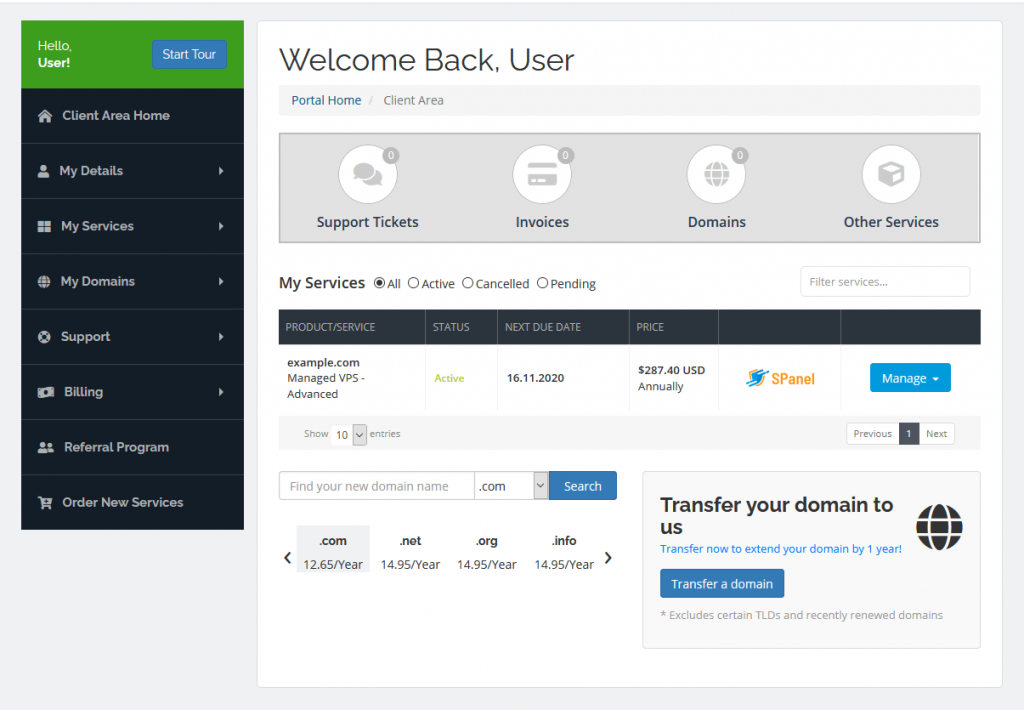
Step 5: Click on Login and you’ll arrive in the Client Area Home.
How To Sign up For Affiliate Program In ScalaHosting?
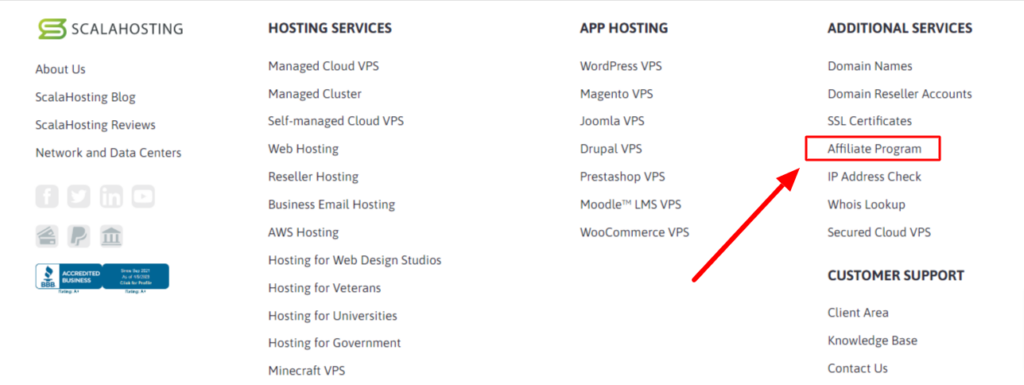
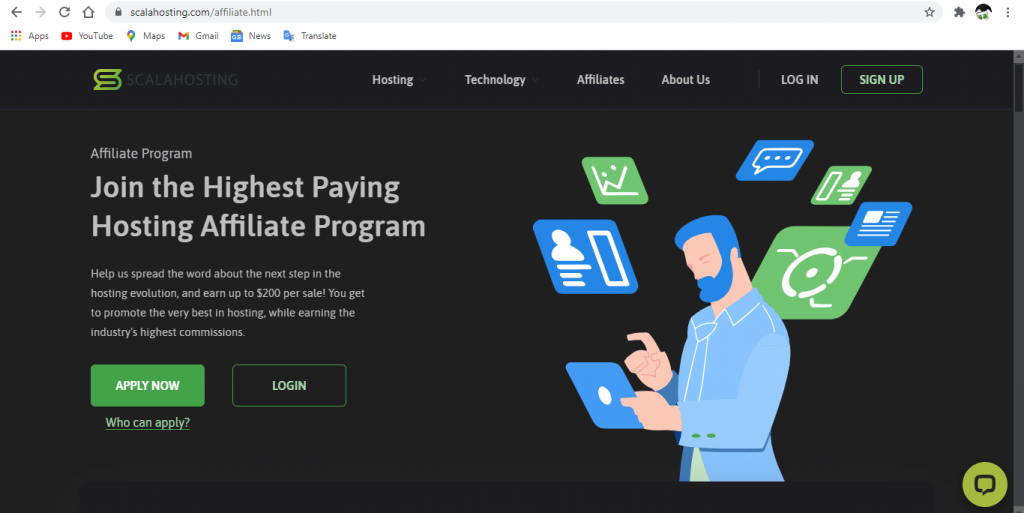
Step 1: As soon as you enter the homepage of ScalaHosting, you will find the options for Affiliates on the Menu bar. Or simply use this link https://www.scalahosting.com/affiliate.html
Step 2: The Affiliates page will pop up where all the information about the ScalaHosting Affiliates is given.
Step 3: There is an option login or Apply Now. Click on the Login if you have already applied for the Affiliates. For the Application, click on the green button.
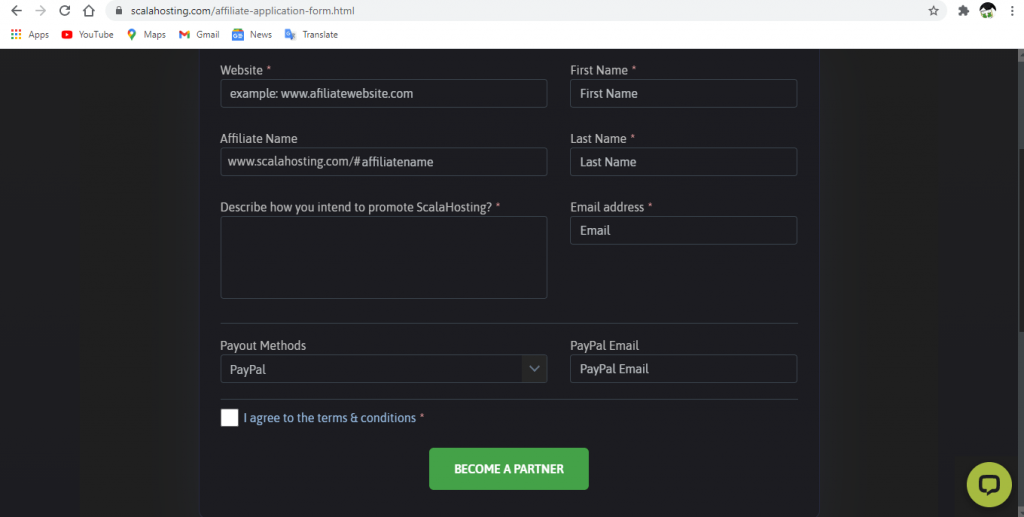
Step 4: Fill up the details form and click on the green button to Become Affiliate Partner.
Step 5: Tick on the images the captcha asks for and click on Done.
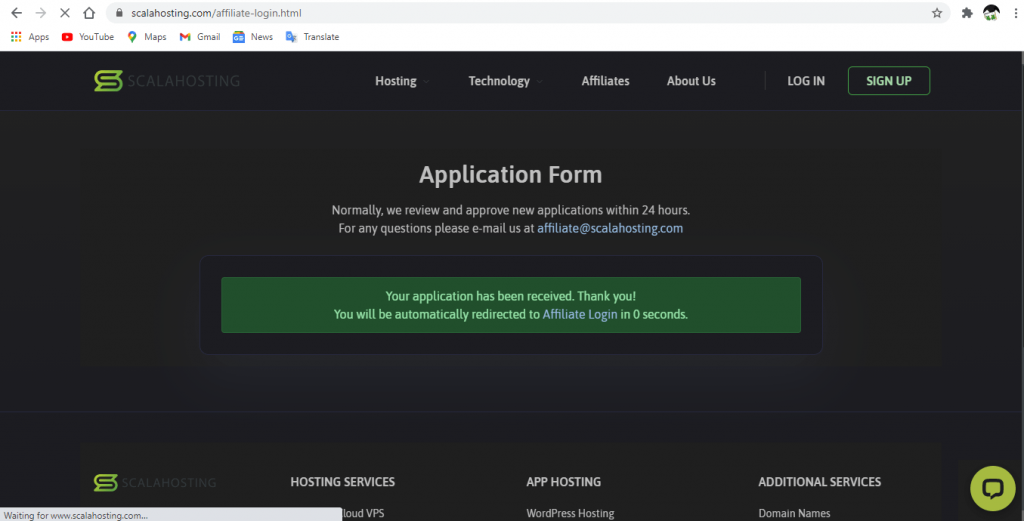
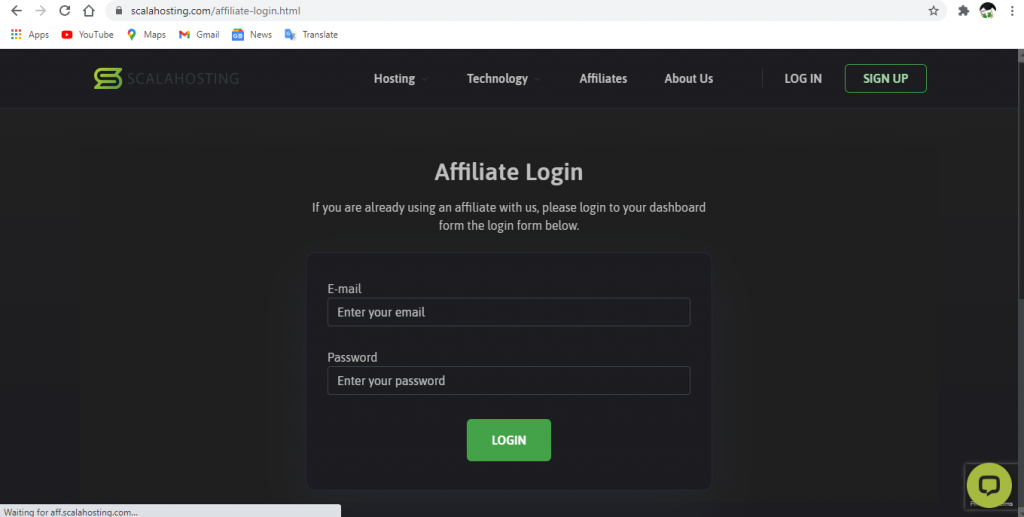
Step 6: A message will be shown saying that Your application has been received. After 3 seconds, a login page will pop up. Input your email and password and click on the Login button.
How To Contact ScalaHosting Support Team?
When you first enter the home page of ScalaHosting, you will find a Contact option on the menu tab. Click on it to be directed to a contacts page or simply use this link https://www.scalahosting.com/contact-us.html
There will be many options for contact. There is also a chatbox to help you stay connected throughout your hosting session. It is available 24/7.
How To ScalaHosting Login A WordPress Website? (For beginners )
To login to your WordPress website, follow the steps:
Step 1: To access the WordPress website you need to add /wp-admin to the end of the URL where you installed WordPress.
Step 2: A login page will pop up where you need to input your username and password. Hit Login after you’re done.
Step 3: If you cannot login make sure your password and login details are correct. There is an option for password reset in case you forget your password since WordPress login is different from sPanel login.
Conclusion:
It is our honest desire to see your business succeed and grow with us. With amazing, friendly and unbeatable customer service, ScalaHosting login has successfully become one of the leading hosting service providers around the globe.