WebDock Login
Struggling to log in to your WebDock account? Look no further! This article will assist you.
Logging into a WebDock account can be challenging for new users. WebDock’s user-friendly platform allows users to navigate quickly, which helps with easy WebDock Login. Also, the webdock support team respond instantly to all your queries.
Read this article thoroughly to get an idea about how to log in and how to raise a ticket in webdock accounts.
Let’s get started!
How to Login to WebDock?
Logging in to WebDock is very simple, but as a new user, it can be challenging also.
It’s alright; we’re here for you. Check and follow the steps mentioned below to make your way easy:

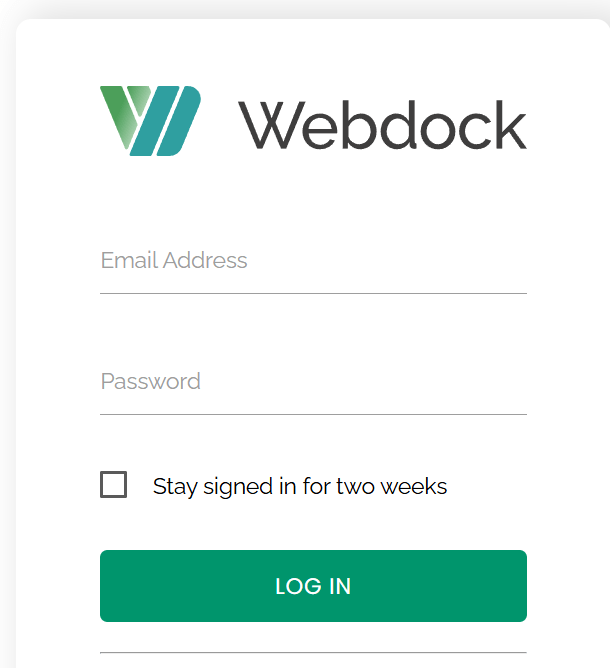
Next, let’s see the steps to log in to the control panel of webdock!
How to log in to the Control Panel of WebDock?
Once you log into the WebDock website, the control panel will also be logged in parallel. You can use the same ID and password to log in!
Follow these steps to make it simple:


How to Reset the Password of WebDock Accounts?
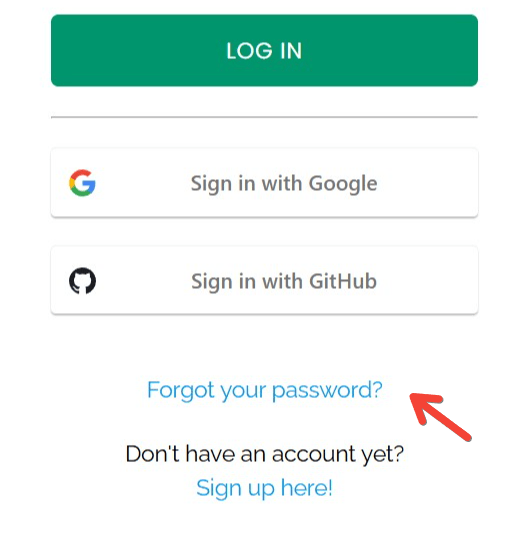
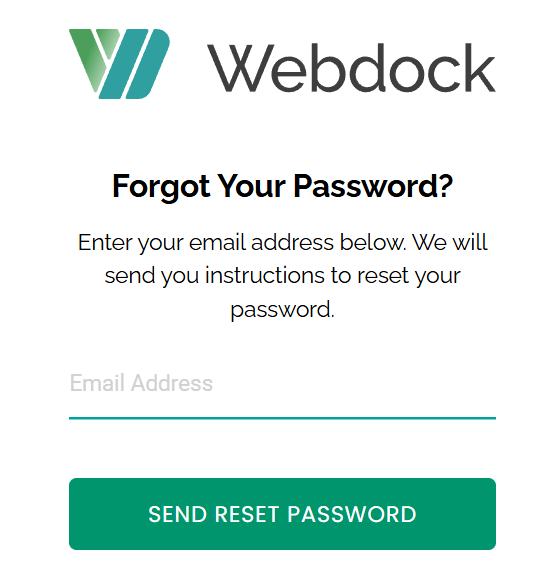
Those who want to know the steps to reset your password for more security or may have forgotten your password, follow the below-mentioned steps for an easy resetting process:
Also Read – Order Hosting From WebDock
How to open a Support ticket for Login issues?
WebDock support team provides an instant responsive live chat system and mailing availability to support@webdock.io instead of Ticket support to avoid unnecessary delays and to resolve the issue right then and there.

(live chat option)
Conclusion – WebDock Login
We believe this article helps you log in to your account easily with WebDock’s user-friendly interface. Here, we saw the guidance to log in to an account at WebDock. Also, we’re providing guidance for its usage, webdock support, and webdock nameservers.
Check out our website for guidance in all cases like this. Happy learning!