Bacloud Support

Bacloud.com is a medium-sized hosting company with over 4,000 customers around the world. It was founded in 2005. In Lithuania’s Siauliai city, the firm has private data centers with around 3,000 servers.
Shared web hosting, dedicated servers, virtual private servers (VPS), online backups, and domain name registration are just a few options. English, Russian, and Lithuanian are the languages that are supported.
What is Bacloud Support?
Bacloud Lithuania Support is the customer service wing. Clients who use the services and products of Bacloud can get in touch with their customer support team if any queries arise during the purchase of web hosting packages and other products.

How To Use a Client Portal?
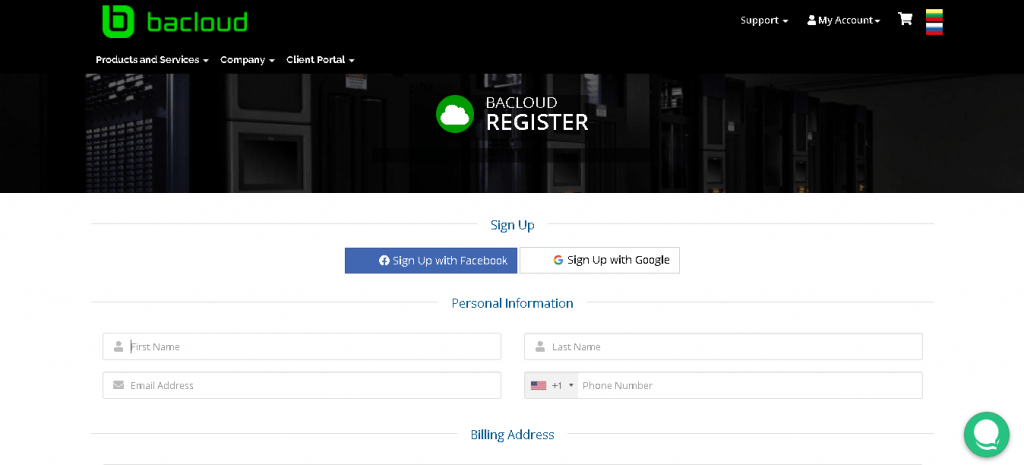
Make sure you’re registered with the company before accessing the Bacloud login Client Area. If you haven’t already done so, go to the website & register a Bacloud account:
What is the Bacloud Managed Support Coverage?
Bacloud will set up the server and ensure that it is up and running at all times. Even if you don’t have an IT team to handle server-related tasks, they can assist with installing upgrades and monitoring the system.
How Do I Check My Support Ticket History?
You must check the website to find the Support button with a down arrow. Click on that and you can find two options out of which one is Tickets. Select it and then you can see two different departments which are technical and sales/billing. Click on whichever option you used to submit a ticket earlier.
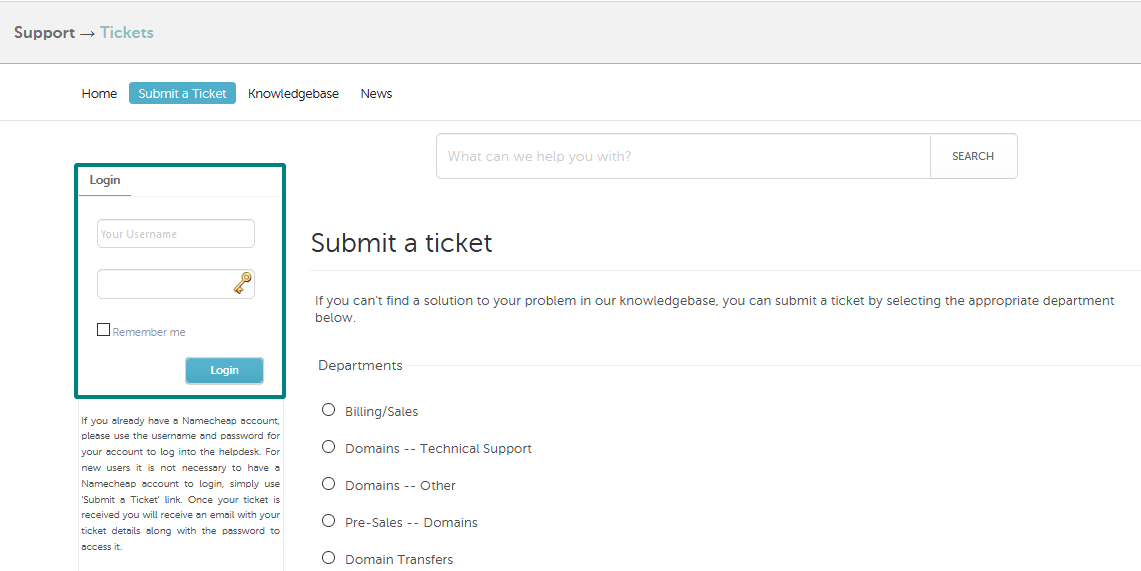
Then log in to your account and under the submit ticket option in your client areas you will be able to find the support ticket history.
How To Contact Bacloud Via a Call?
You can reach Bacloud by calling their phone number. Please see the following information to obtain the customer care team’s phone number.
+37070035001,
+370 6 855 7990.
If Also you want to know about the Hostingraja Support | Using Chat or Ticket System 24/7 Support
How To Submit a Ticket in Bacloud?
To submit a ticket in Bacloud, you can either log in to your client portal if you are a member or use the support ticket on the homepage.
If you’re a member, log in to the client portal and select the submit ticket option. Fill in all the essential information about your query and submit the ticket. If you’re not already a member, follow the instructions below.
How To Contact Technical Support?
You can contact the technical support of Bacloud by either calling them or by submitting a ticket to the technical department.
As said earlier, while submitting a ticket, you will be able to find two options – technical and sales. Click on technical and fill in the details in the ticket you want to submit.
How To Use Live Chat Support in Bacloud?
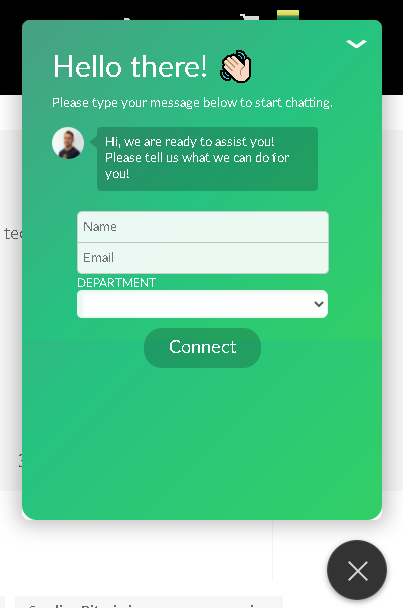
To use the live chat support of Bacloud, you need to first visit their website. Then follow the steps given below.
If Also you want to know about the InterServer Support & Managed Support, Live Helper Chat, Help Center Live
Conclusion
Bacloud is used by many people to host their websites. Bacloud offers affordable hosting plans and cheap dedicated service to its clients. Look for more details on their website regarding the packages and other products including cheap dedicated servers they have.
They also have the best customer Bacloud Support team and they have always received simply hosting review
from their client for their services. As a client who wants to host a website or create a website, you can rely on Bacloud as they provide domain registration, different hosting plans, and other services too.