Dewaweb Login

Dewaweb login is an extraordinary web hosting provider. It is a classic web hosting company based in Indonesia. It is the first one in the country that is ISO 27001 certified.
Dewaweb proposes offering its customers the best web hosting solutions with secure, reliable, and fast website cloud hosting.
It provides the best VPS for websites with 100% cloud-powered technology and strong, frequent, and innovative backups, and that too, at a fair price. They also offer many reseller programs to their clients, such as Affiliate Program and VIP Partner Program.
Dewaweb also has a 90-day money-back guarantee for users. The free cloud hosting it offers has a 2GB storage space to store the contents & files of your websites.
Dewaweb, with providing trusting SSD cloud hosting, has continued to serve its customers since 2014 with a great hosting experience to rely upon.
Let’s dive into the critical areas where you would learn about how to Dewaweb Login, how to login to the cPanel client area, Dewaweb review, and how to login to MailEnable webmail.
How To Dewaweb Login?
To log in to the Client Area of Dewaweb, ensure you are registered with the company. If not, follow the below steps to register with Dewaweb firstly:
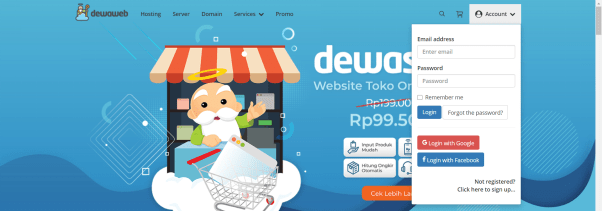
Step 1: Open any web browser such as Chrome, Mozilla, Firefox, etc. Go to the Dewaweb website: www.dewaweb.com
Step 2: Click on ‘Account’ in the top right corner. Click on the “Not Registered? Click here to signup” to register with the website. Enter the required details.
How To Login cPanel Client Area?
Logging In to cPanel account. You can log in to the cPanel via the username and password you received in your e-mail.
How To Login cPanel:
Here are the steps to successfully log in to your cPanel to manage your website.
Step 1: Open any web browser such as Chrome, Mozilla, Firefox, etc.
Step 2: Type the following in the search bar:
yourdomain.com/cpanel
(Replace yourdomain.com with the actual domain name of your website.)
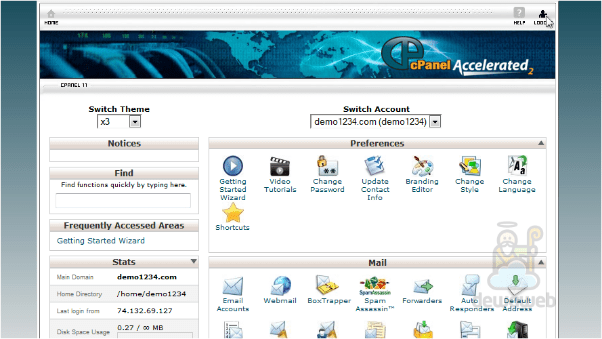
Step 3: Click go. The following screen will appear to allow you a way to login into your website’s control panel. Enter your Admin or Super Admin credentials, such as username and password to enter further.
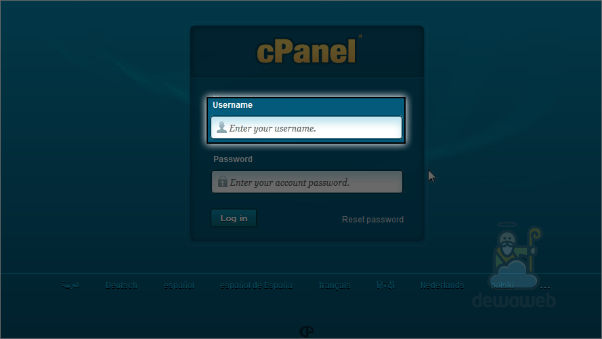
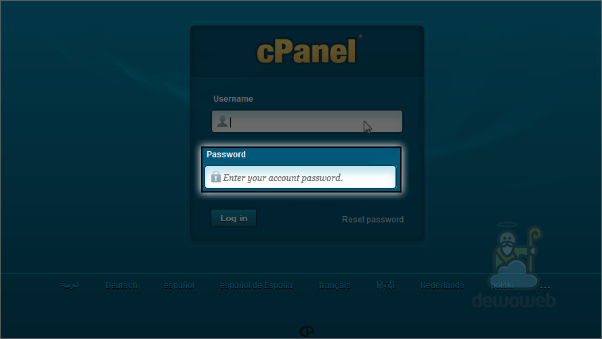
Step 4: Click on the Login button.
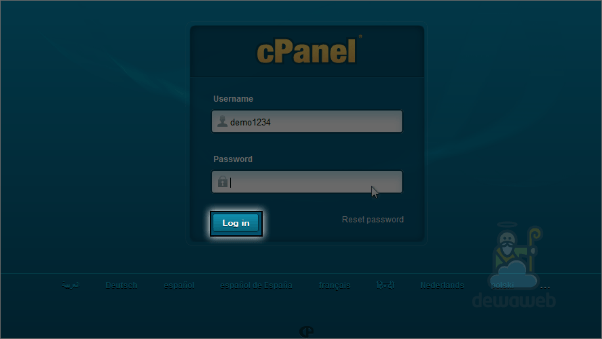
You will be able to access your cPanel dashboard now.
Is Dewaweb Worth?
Renowned as a trusted leading brand providing its customers with top cloud hosting solutions, Dewaweb is at its best service potential. It is dedicated to offering 24/7 support with an excellent user experience and a 100% uptime guarantee.
It’s known to equip its users with fast & reliable web servers with great security. So, yes, it is safe to say that the Dewaweb login is worth it for your website.
If Also you want to know How To Niagahoster Login in Client Area, cPanel, Support Tickets
How To Dewaweb Login MailEnable Web Mail?
Accessing MailEnable web mail is relatively easy & straightforward. Follow the below-mentioned steps to successfully login to MailEnable in webmail.
Method 1: Directly by URL
For accessing MailEnable by a URL, the login page of MailEnable webmail is basically accessed by using “webmail” after the URL path.
Step 1: Open any web browser such as Chrome, Mozilla, Firefox, etc.
Step 2: Type the following in the search bar:
http://www.domain.com/mewebmail
(Replacing www.domain.com with your actual IP address of the website)
Step 3: Click Go. You will see the following screen. This is the login page of the MailEnable web mail. Here, enter your registered login credentials such as username & password.
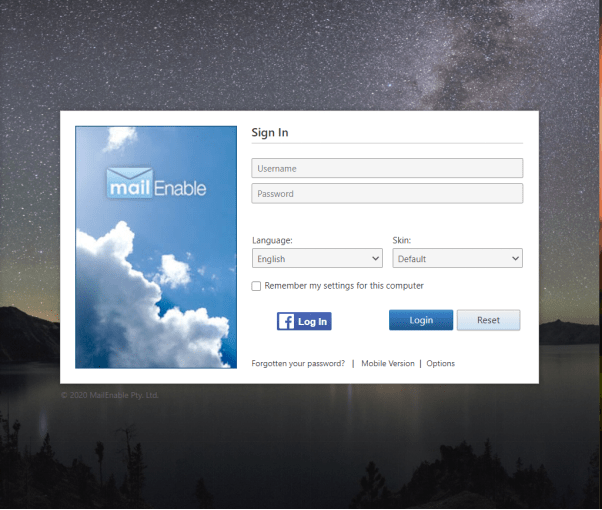
Step 4: You can set your preferred language from the language combo box and similarly for the web skin. Click on the Login button.
Method 2: Mail Enable Website
You can also directly go to Mail Enable Website from your web browser. Follow the following steps:
Step 1: Open any web browser such as Chrome, Mozilla, Firefox, etc.
Step 2: Type the following in the search bar:
https://www.mailenable.com:8443/Mondo/lang/sys/Login.aspx?Version=Desktop
Step 3: Click Go. You will see the following screen. This is the login page of the MailEnable web mail. Here, enter your registered login credentials such as username & password.
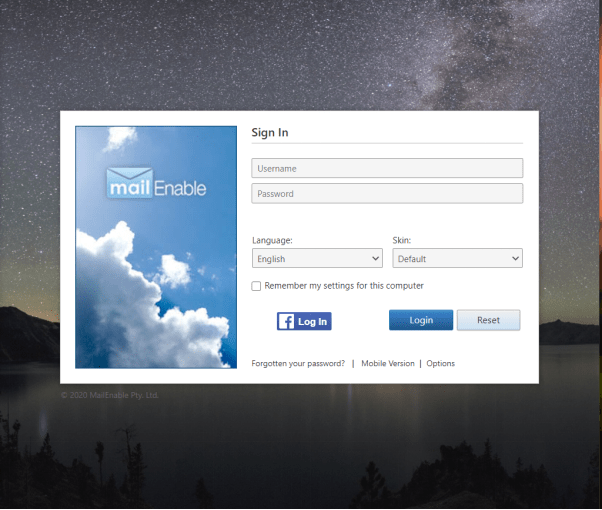
Step 4: Click on the Login button.