Fast2Host Nameservers

Finding the perfect web hosting service provider to host your site may be confusing at times since there are many such companies. This is Fast2Host Nameservers web hosting company that provides excellent services to their clients who want to host their site using various hosting platforms.
Web hostings, cloud hosting, and dedicated server colocation are the services Fast2host offers. For any queries related to domain registration, web hosting can be asked by their customer support team by opening a ticket and submitting it with the necessary details. Read more details regarding the Fast2host nameservers and DNS which are given below.
What are Your Nameservers?
Nameservers are created to connect the URLs with the IP address of the web servers. When a domain is purchased by you from a registrar, you can either choose to use the default nameservers given by the registrar or you can create custom or private nameservers.
How Do I Find My Fast2host Nameservers?
You can find your Fast2host nameservers in the welcome mail you have received after purchasing the domain from Fast2host. Nameservers can also be found in the client portal of Fast2host.
Under the domain section in your dashboard, you can choose the domain name and click on the manage or edit button. Then you will be able to see the nameservers if the nameservers can be seen in the overview section.
Can I Manage My Own DNS?
Yes, you can manage your own DNS. You can use the client portal through which you can add, delete, or update the DNS records if you’re a domain-only client.
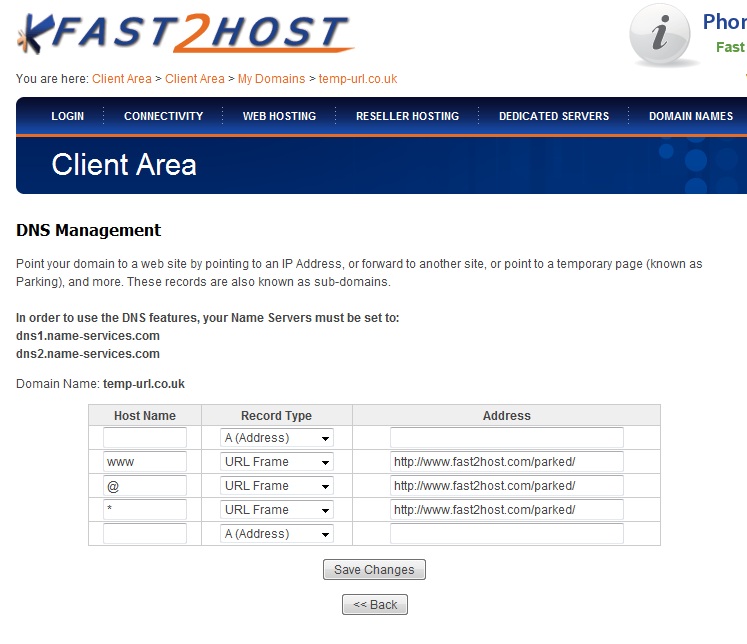
For Windows hosting users, DNS management can be done within the website panel and for Linux hosting users,cPanel can be used to edit, create, and delete the DNS records in the DNS Zone Editor which can be seen under the Domains tab.
How Can I Minimize Downtime When Transferring a Domain to Fast2host?
Check the following guidelines that can help you to minimize downtime while transferring your domain to Fast2host.
If Also you want to know about the Adding & Removing Deluxe Hosting Nameservers
How to Manage Your DNS and Add Records in PPA?
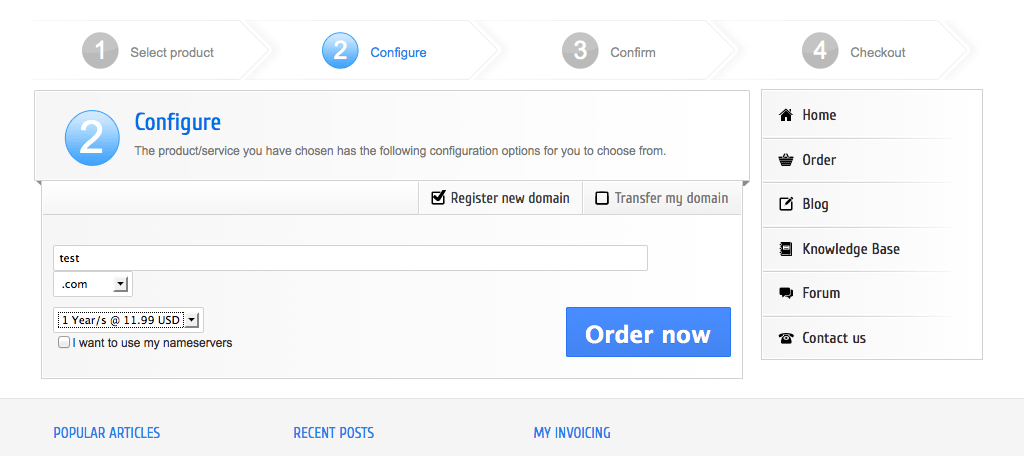
First, you must log in to your PPA account. Then Follow the steps said below to manage your DNS and add records in PPA.
What is Each DNS Record Used For?
The DNS records are the mapping system of the domain name you have purchased. Each record of your DNS has different uses which can be seen below.
How Long Does It Take For MX Records To Update?
It can take up to 72 hours or less for the new MX record to update.
If Also you want to know about the Fast2Host Login: cPanel Linux Hosting
Conclusion
Fast2host web service provider offers you the best services and products to introduce your business website online and it helps in creating more traffic to your business via the internet.
Managing nameservers and DNS settings can feel overwhelming, but Fast2Host simplifies the process with clear tools, accessible controls, and responsive support. Whether you’re transferring a domain, configuring DNS records, or setting up hosting, their platform ensures a smooth and reliable experience. Explore their plans and DNS features to keep your website running efficiently and with minimal downtime.
Visit the website of Fast2host to know more details regarding the hosting plans with various features that will surely suit your requirements.