Table of Contents



What Serious Forex Traders Look for in a VPS And What Actually Matters

Most traders don’t think about their VPS until something goes wrong. An EA stops executing during a London open spike. A connection drops during NFP. A trade that should have closed at breakeven slips three pips because the server hiccuped at the worst possible moment. That’s usually when the research starts and by then, you’re already making decisions from a place of frustration rather than clarity.
The forex VPS market has exploded over the past few years, and the range of options can be genuinely overwhelming. You’ve got budget providers advertising sub-$5 plans, broker-sponsored VPS deals with strings attached, and premium services that cost more than some traders’ monthly commissions. The problem isn’t a lack of options it’s that most of the advice out there focuses on specs that don’t actually matter for trading performance, while ignoring the ones that do.
After years of testing different setups and talking to traders who run everything from single-account scalpers to multi-terminal copy trading operations, there’s a clear pattern in what separates a VPS that works from one that quietly costs you money. If you’re evaluating providers and trying to find the best forex VPS for your setup, here’s what actually deserves your attention and what you can safely ignore.
Server Location Matters More Than Server Specs
This is the single most misunderstood aspect of forex VPS selection. Traders spend hours comparing RAM allocations and CPU core counts, then pick a server in a datacenter that’s 4,000 miles from their broker’s matching engine. All those extra cores aren’t going to claw back the 80ms of latency you’ve just baked into every order.
Here’s the thing most hosting review sites won’t tell you: the physical distance between your VPS and your broker’s trade server is the single biggest variable in your execution speed. Not RAM. Not CPU clock speed. Not whether you’re on SSD or NVMe. Those specs matter for running the platform smoothly, but the network path between your VPS and the broker is where trades are won or lost.
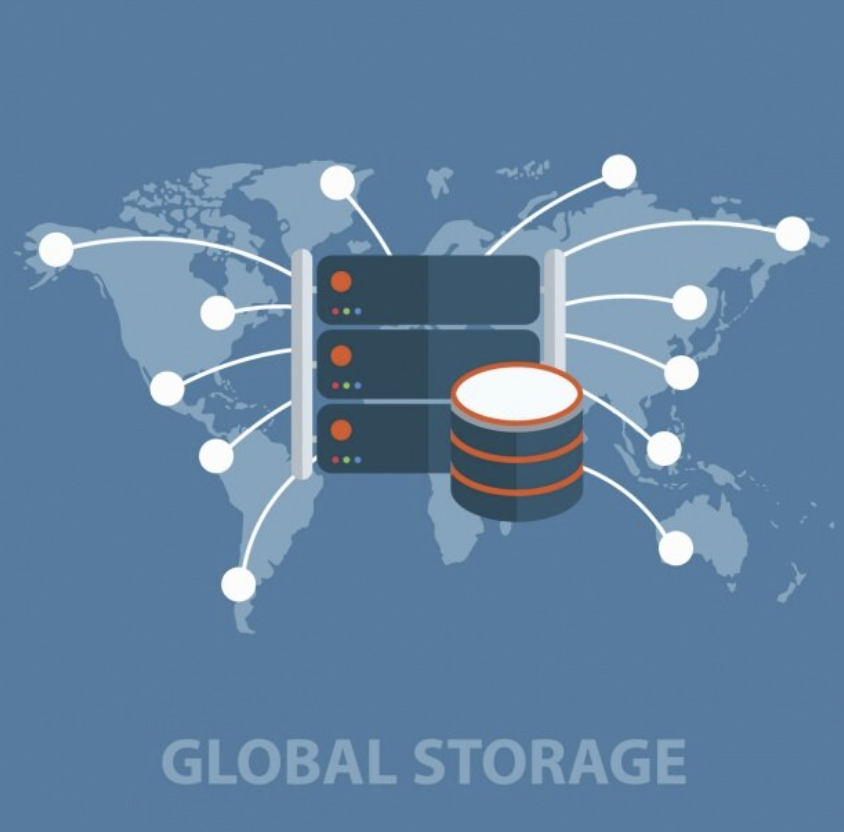
Most major forex brokers route their order flow through a handful of key datacenters Equinix NY4 in New York, LD4 in London, TY3 in Tokyo. If your VPS isn’t in the same facility or at least on the same network backbone as your broker, you’re starting every trade at a disadvantage.
A trader running a scalping EA from a VPS in Frankfurt connecting to a broker in NY4 might see 40-60ms latency. Move that VPS to a New York datacenter with direct routes to NY4 and you’re looking at sub-1ms. That’s the difference between your stop loss triggering at your intended price and giving back a pip or two on every single trade.
Before you even look at pricing or hardware specs, find out where your broker’s servers are located. Most brokers publish this information, and if they don’t, a quick support ticket will get you the answer. Then match your VPS location to that datacenter. Everything else is secondary.
The Uptime Guarantee You Should Actually Care About
Every VPS provider advertises 99.9% uptime. Some claim 99.99%. These numbers are nearly meaningless without context. The question that matters is: when does the downtime happen?
A 99.9% uptime guarantee allows for roughly 8.7 hours of downtime per year. If that downtime falls on a Saturday afternoon when markets are closed, you’ll never notice. If it hits during the overlap between the London and New York sessions the most volatile and liquid hours of the trading week it could blow through a month of careful risk management in minutes.
Specialized forex VPS providers understand this distinction. The better ones guarantee uptime specifically during forex market hours (Sunday 5 PM EST through Friday 5 PM EST), and they schedule maintenance windows during market closures. Generic hosting providers don’t make this distinction because their other customers web developers, app builders, game server operators don’t need it. For traders running automated strategies, the difference is massive.
When evaluating uptime claims, look for providers that publish status pages with historical incident data. If a provider can’t show you their track record transparently, that tells you something. Also ask specifically about their maintenance schedule. Do they perform updates during market hours? Do they provide advance notice? These operational details matter far more than the number next to the percentage sign.
Why “Unlimited” Resources Are a Red Flag
If a VPS provider advertises unlimited bandwidth or unlimited CPU usage at a suspiciously low price, you’re almost certainly on a shared node with dozens of other users. This is how budget hosting works the provider oversells capacity, banking on the assumption that most users won’t hit their limits simultaneously. For web hosting, this model works fine. For forex trading, it’s a ticking time bomb.
The problem surfaces during exactly the moments when performance matters most. High-volatility events like NFP releases, central bank announcements, or flash crashes cause every trader on that shared node to spike their resource usage at the same time. Your EA needs to execute a rapid series of orders, but so does everyone else’s. The result is CPU throttling, memory pressure, and execution delays that show up as slippage in your trade history.
Dedicated resources cost more. There’s no way around that. But a VPS with guaranteed 2 CPU cores and 4GB of RAM will outperform a “4-core, 8GB” plan where those resources are shared with fifteen other tenants during a volatility spike. When you see forex VPS plans under $5 per month, ask yourself what’s being shared and what happens when markets get busy. The providers who are transparent about resource allocation companies like NYCServers and a handful of others tend to be the ones whose performance holds up when it counts.
Pre-Installed Platforms Save More Than Just Time
This might sound like a convenience feature, but it’s actually a reliability one. When you order a generic VPS and install MT4 or MT5 yourself, you’re responsible for downloading the correct terminal version, configuring the broker server list, setting up the right Windows services, and making sure the platform auto-restarts after a reboot. Get any of these wrong and your EA goes silent without warning.
Traders who’ve been through this process know the pain. You install your broker’s MT4 build, set up your EA, and everything runs perfectly for two weeks. Then the VPS reboots for a Windows update at 3 AM, and MT4 doesn’t relaunch because the auto-start wasn’t configured at the service level. By the time you notice the next morning, you’ve missed a textbook entry that your backtest said was worth 40 pips.
Forex-specialized VPS providers handle all of this during provisioning. They pre-install the correct terminal build for your broker, configure auto-start at the OS level, and in many cases offer monitoring that alerts you if your platform stops responding. It’s the kind of operational detail that doesn’t show up on a comparison chart but makes the difference between a VPS that runs your strategy and one that actually protects it.
The Real Cost Calculation Most Traders Skip
A $4/month VPS sounds great until you factor in the hidden costs. Many budget providers charge extra for a Windows license ($10-15/month), a dedicated IP address ($2-5/month), backup snapshots, and premium support. By the time you’ve assembled a functional trading environment, you’re often paying $20-25/month uncomfortably close to what a specialized provider charges with everything included.
But the real cost isn’t in the invoice. It’s in the slippage, the missed trades, and the hours you spend troubleshooting when something breaks. If your VPS causes even one bad fill per month that costs you 2-3 pips on a standard lot, that’s $20-30 in execution costs that dwarf the $10 you saved on hosting. Scale that across multiple accounts or higher lot sizes and the math gets ugly fast.
The traders I’ve seen get the best value from their VPS are the ones who frame the cost as a percentage of their trading capital. If you’re running a $10,000 account, a $25-40/month VPS represents 0.25-0.4% of capital annually. That’s a rounding error compared to the cost of inconsistent execution. If you’re running a $500 demo account to test an EA, then sure, a $4 VPS might make sense. But the moment real money is on the line, the calculus changes.
What to Test Before You Commit
Before locking into any VPS provider, there are a few things worth testing that most traders skip. First, measure the actual latency between the VPS and your broker’s server. Open a command prompt on the VPS and ping your broker’s trade server address. You want consistent sub-5ms if you’re in the same datacenter, and under 30ms if you’re in the same geographic region. If you’re seeing 50ms+ with spikes into triple digits, the VPS location isn’t right for your broker.
Second, test during volatile hours. Spin up your EA during a major news release and watch how the VPS handles the load. A server that runs smoothly during quiet Asian session hours might choke during NFP when every indicator is recalculating simultaneously. This is where resource allocation gets stress-tested for real.
Third, check the provider’s refund policy. Reputable forex VPS providers offer trial periods or money-back guarantees because they’re confident the service will hold up. If a provider locks you into a 12-month commitment with no trial option, that’s worth noting. The providers who let you test with real trading conditions before committing tend to be the ones with nothing to hide.
Cutting Through the Noise
The forex VPS space is crowded with providers making identical claims low latency, high uptime, great support. The signal in all that noise comes down to a few concrete questions. Where are the servers relative to your broker? Are resources dedicated or shared? Does the provider understand forex trading operations, or are they a general hosting company with a forex landing page bolted on?
The best VPS for your trading isn’t necessarily the most expensive or the one with the highest specs on paper. It’s the one that puts your orders on the wire fastest, stays up when markets are moving, and doesn’t require you to become a sysadmin to keep your strategy running. Focus on those three things and the rest sorts itself out.