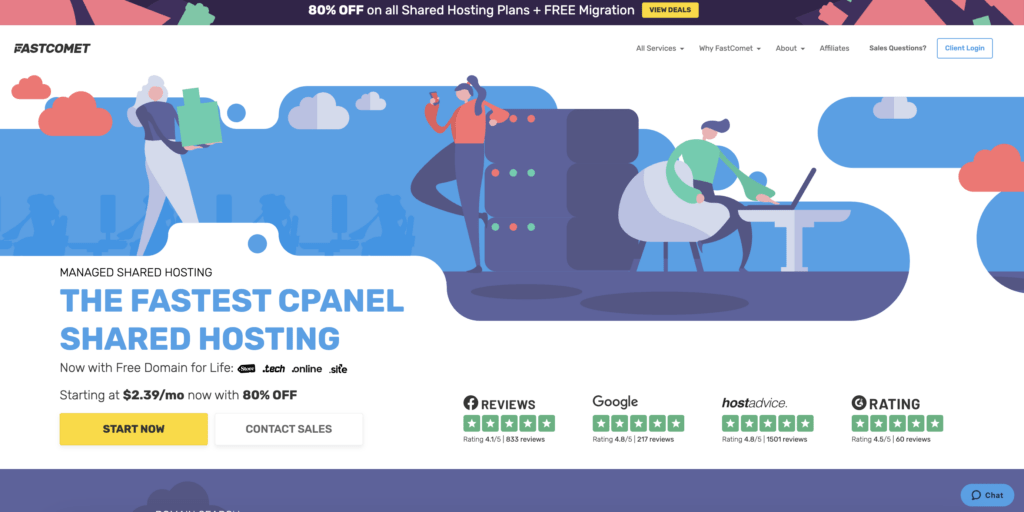
Fastcomet login is one of the few reliable and globally recognized independent hosting services, that has provided its services to more than 50,000 personal and small-business website owners.
It allows web hosting, WordPress hosting, Domains, site builder, Cloud VPN hosting, etc. With a dedicated team of experienced professionals, this web hosting is user-friendly and easier to access.
Here we provide you a step-by-step guide to logging into your Fastcomet account and your webmail account:
We have integrated the Clef two-factor authentication method into your Fastcomet Client Area login. Therefore, you can easily access and manage all your hosting services with a simple wave of your phone.
To protect your client area with a two-factor authentication method, you can use Fastcomet’s built-in solution.
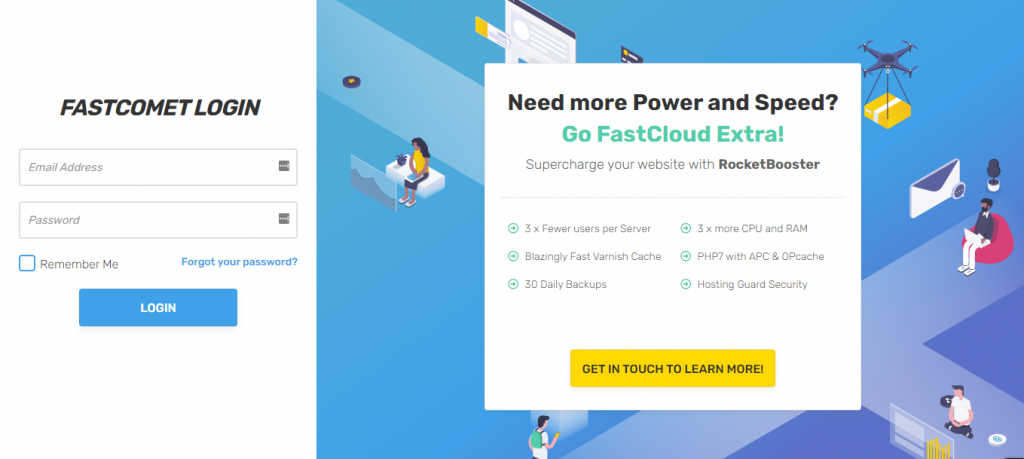
To get logged into your account, access your Fastcomet login client area page.
Click on the Login button.
If you do not have the Clef app installed on your phone, you can obtain it via the Learn how to log in with your phone link. This will direct you to the Get Clef screen.
Click on the green Get the Clef App button and input your number. You will receive a download link or select your smartphone OS and you can get it directly from the app store completely for free.
After the app is installed, create an account by simply inputting your name and email address and link your Clef account with your FastComet Client Area login. With the app installed, log in with your standard FastComet Client area username and password to link your account.
When your details are input and you are logged in, your account is linked to your Clef app. To verify your account is properly connected to Clef click on the “Passwordless Login” link.
When accessing your Cpanel, simply search for your Cpanel URL and it will direct you to a secure login page. Input your Cpanel username and password and click on the login button.
Your Fastcomet Client Area Username May Be Different From Your cPanel Login Username
Sometimes access is not granted due to interference of Internet service providers that block the permission to access. In such cases, an alternative may be used.
A Cpanel proxy URL that uses the standard HTTP port 80 is an alternative for Cpanel access. It also requires your domain name.
Webmail is an interface that allows you to access and read your emails through your browser without the need to install any additional software on your local computer or web hosting account.
The available webmail clients have features required to check your email, write new messages and organize your email correspondence.
All of Fastcomet hosting services include well-integrated webmail management that allows clients to access their account from location, browser, and computer.
This feature is not only an easy way for clients to log in, but it also makes their work smoother and reliable.
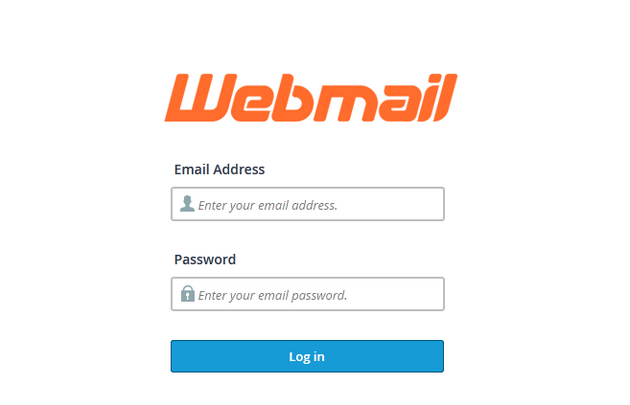
To access your email account, enter your domain name followed by webmail which will direct you to the webmail login form.
Fill in your full email address name and your password and click on the login button to access the webmail interface.
Two different email applications to choose from and many options for configuration will be shown. You have the choice to either proceed to your email account through one of the four given webmail applications or apply several configuration options to your email account.
The configuration options may include,
change your password
filter your messages
configure email forwarder
setup autoresponder for incoming emails etc.
These features help to check your mails and correspondence and ease your access through the Cpanel.
Finally, Click on any webmail client and you will be redirected to your email account inbox to review your messages. You may check your file manager for organizing your files and documents.
Now that you are successfully logged in, you can easily work through your account, and with the help of our professional team, you can make a promising site for your business ideas.
With their work being shared and led by many of the world’s leading data centers, software developers, hardware manufacturers, service providers, and security experts, Fastcomet login is working on making your website and business a recognized platform.
With its account, you can join different affiliation programs held for marketers of all levels and be provided a platform to boost your skills. It also rewards its client on every Fastcomet Login link share.